DTF prints exactly what you send. A high-resolution file with a transparent background gives sharp edges and vivid color; a low-res or flattened file shows it. Here is everything your artwork needs before you upload — and what we check before we print.
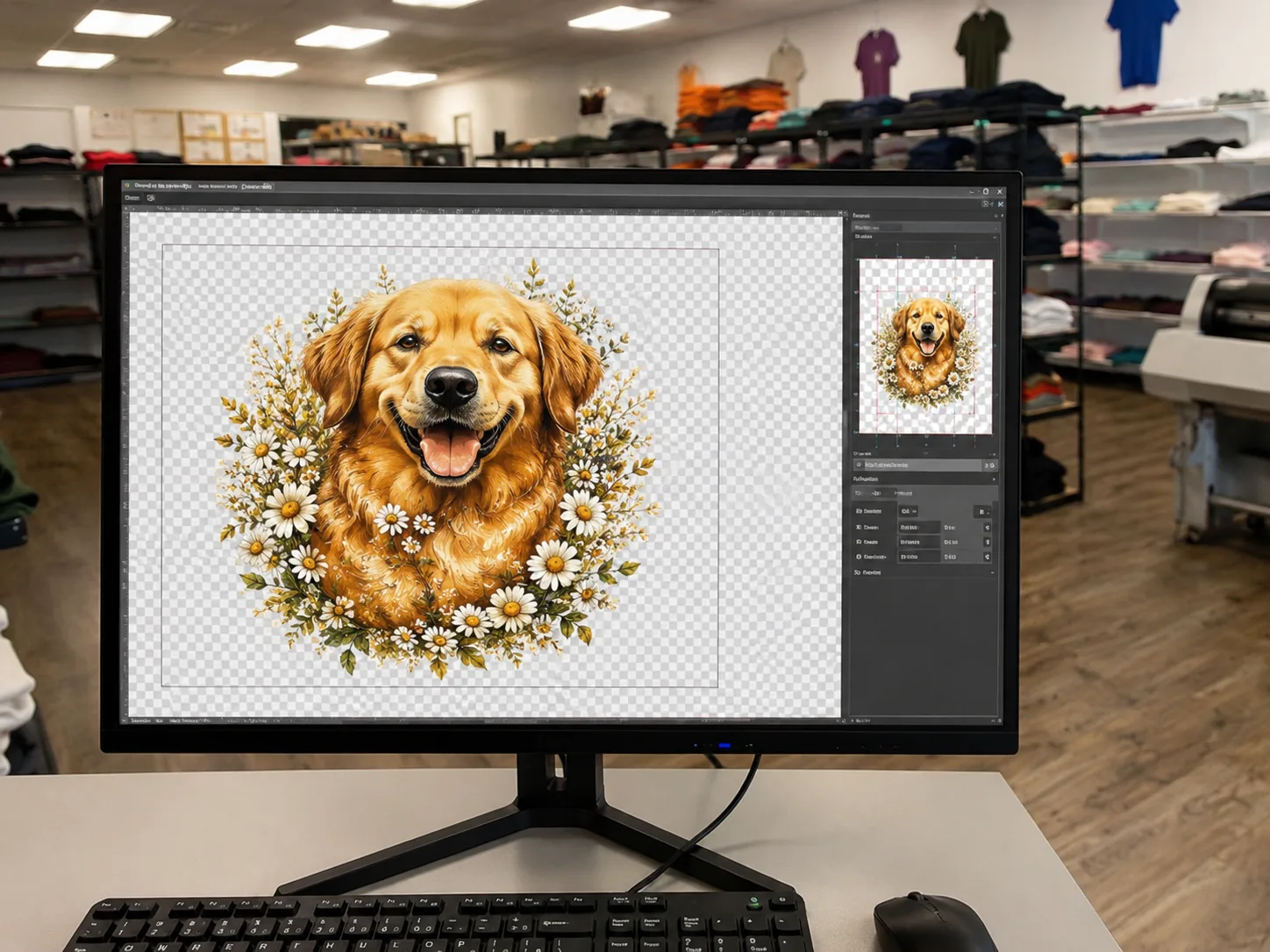
Hit all six and you are good to upload. Miss one and we will flag it before printing.
PNG with a transparent background is the safest path. We also accept these:
| Setting | What to send |
|---|---|
| Best format | PNG with a transparent background — preserves crisp edges and color. |
| Also accepted | PDF, AI, and SVG (vector). Keep transparency intact; flatten only if asked. |
| Not ideal | JPG (no transparency, compression artifacts) and screenshots — use only if it is all you have. |
| Resolution | 300 DPI at the actual print size. A 4″ print needs ~1200×1200 px; a 11″ front needs ~3300 px wide. |
| Color | RGB, full color. DTF prints CMYK + a white underbase, which we apply automatically so colors stay vivid on dark garments. |
| Background | Transparent. Anything not transparent prints — a white rectangle behind your art will press as a white box. |
| Sizing | Build the file at the size it should print. Common: 4×4″ pocket, A4 front, A3 large front, full-back. |
| Text & lines | Outline text (or embed fonts). Keep strokes roughly 1.5 pt / 0.5 mm or thicker so fine detail holds. |
| Max file size | Large files are fine — send the full-resolution original, not a compressed copy. |
The right file depends on how you are ordering. Pick your route:
A PNG with a transparent background at 300 DPI at print size is the safest and most common. We also accept PDF, AI, and SVG. Avoid JPG when you can, because it has no transparency and adds compression artifacts.
No. Keep your background transparent. DTF automatically prints a white underbase under your colors, which is what keeps the design vivid on black, navy, and other dark garments. A white box in your file would actually print as a visible white rectangle.
We can scale it, but enlarging a low-resolution image adds blur and pixelation that shows once it is pressed. For a sharp result, send the largest, highest-resolution version you have, ideally 300 DPI at the size it will print.
DTF prints full color and gets very close, but screens are backlit and fabric is not, so expect a slight shift. Very bright neons and screen-only colors can look a touch different in print. Send RGB and we will reproduce it as accurately as the process allows.
Yes. We review resolution, transparency, and sizing before anything prints, and we flag issues instead of printing a problem. If something needs fixing, we will reach out before we run your order.
Minor cleanup like removing a background or resizing is often doable — send what you have and ask. For full design work, tell us what you are after on the contact page and we will let you know what we can do.
Run your file through the checklist, pick your route, and upload. Not sure about your art? Send it over and we will check it first — printed in Spring, Texas.