Drop several logos, names, numbers, or placement graphics onto one 22×24″ sheet and arrange them yourself. Ideal for brands, print shops, and event orders that want layout control instead of uploading a sheet they have not built yet.
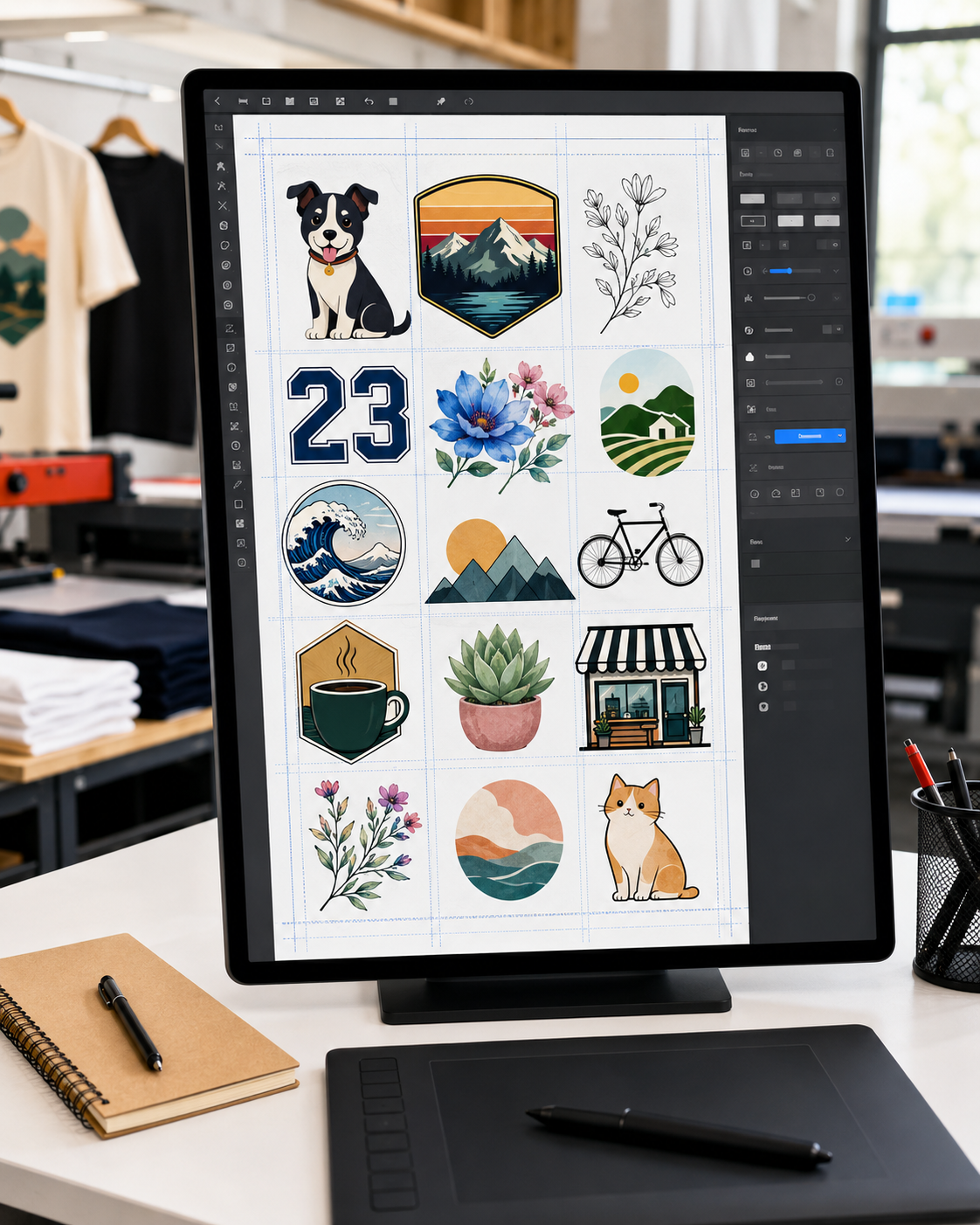
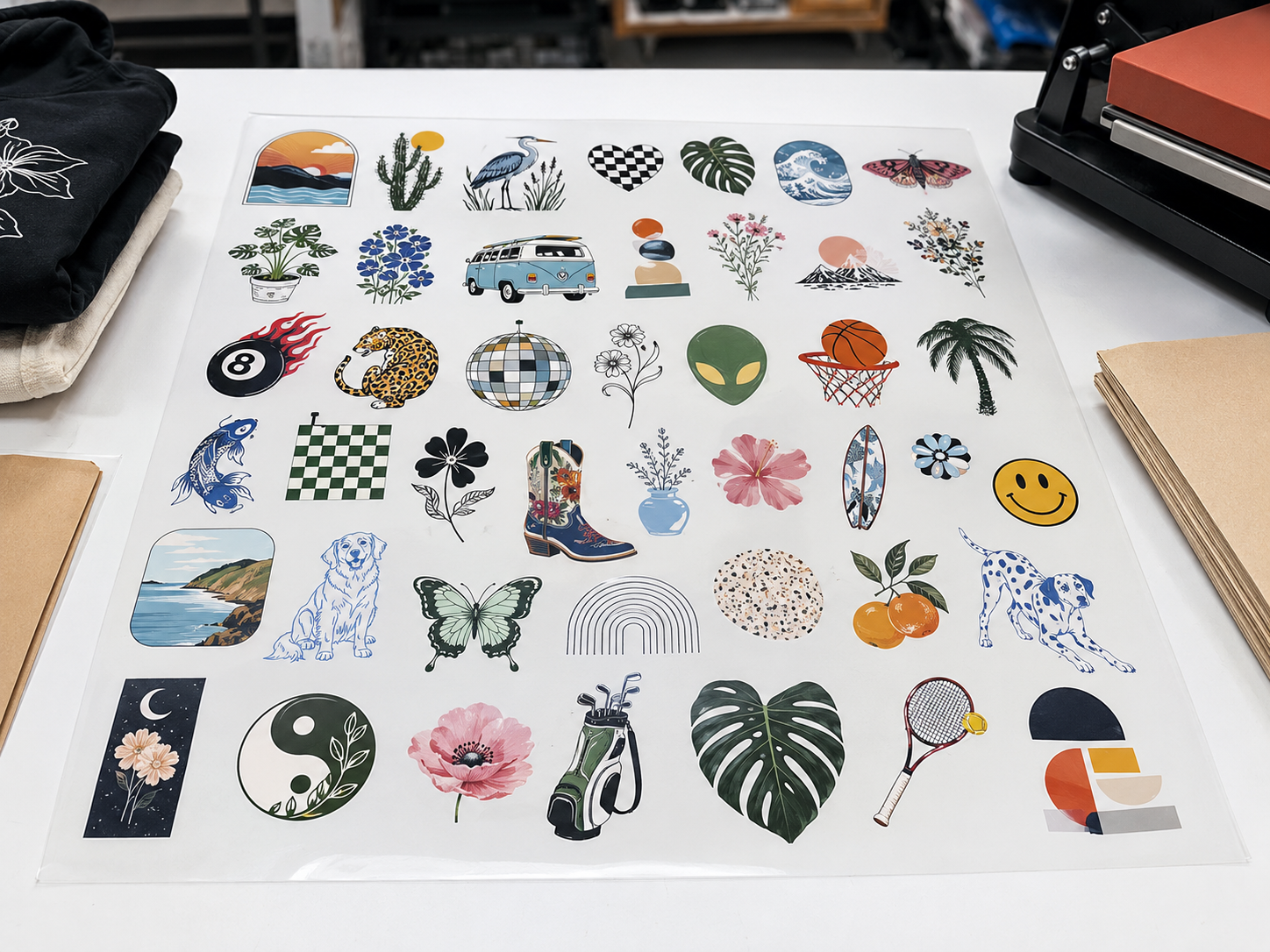
Add your graphics, drag them onto a 22×24″ sheet, resize and space them, then submit. Sheet options and pricing are set inside the builder. No minimums.
The builder is useful when the artwork is separate but the order needs to move forward as one sheet-based layout.
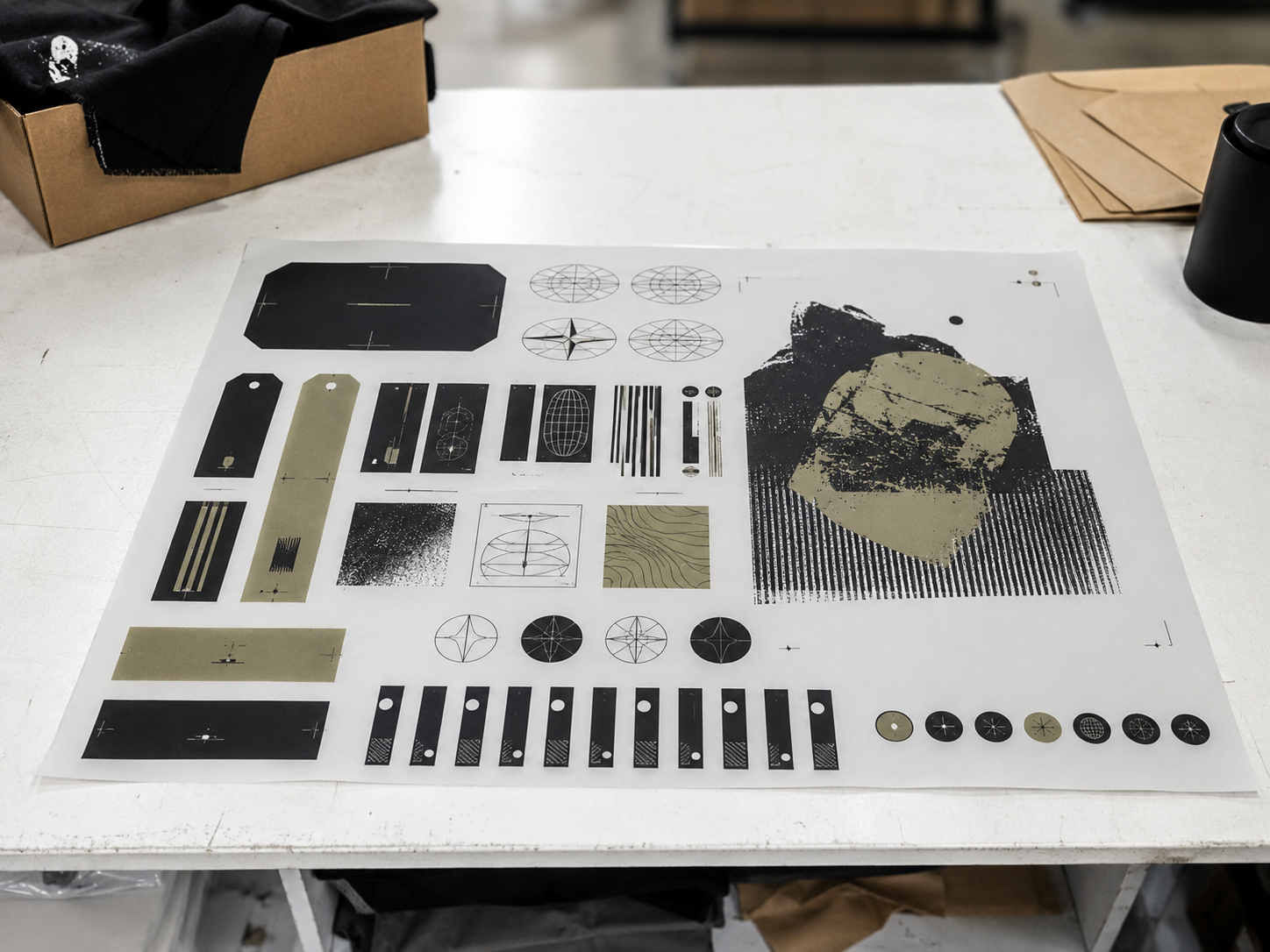
Arrange front graphics, sleeve marks, labels, and small repeat designs before a launch or restock.
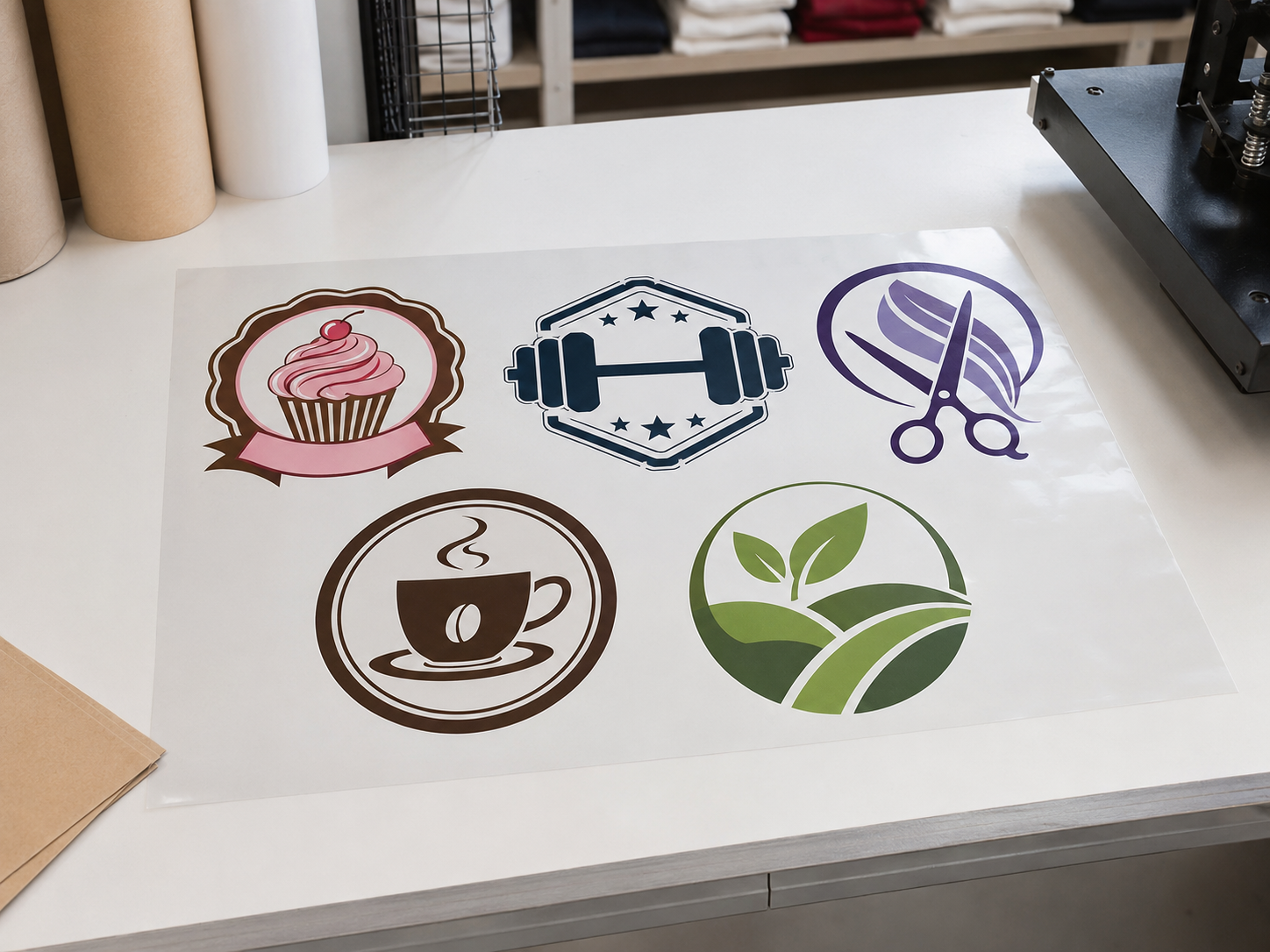
Keep multiple customer logos, names, numbers, and placement graphics connected in one sheet workflow.
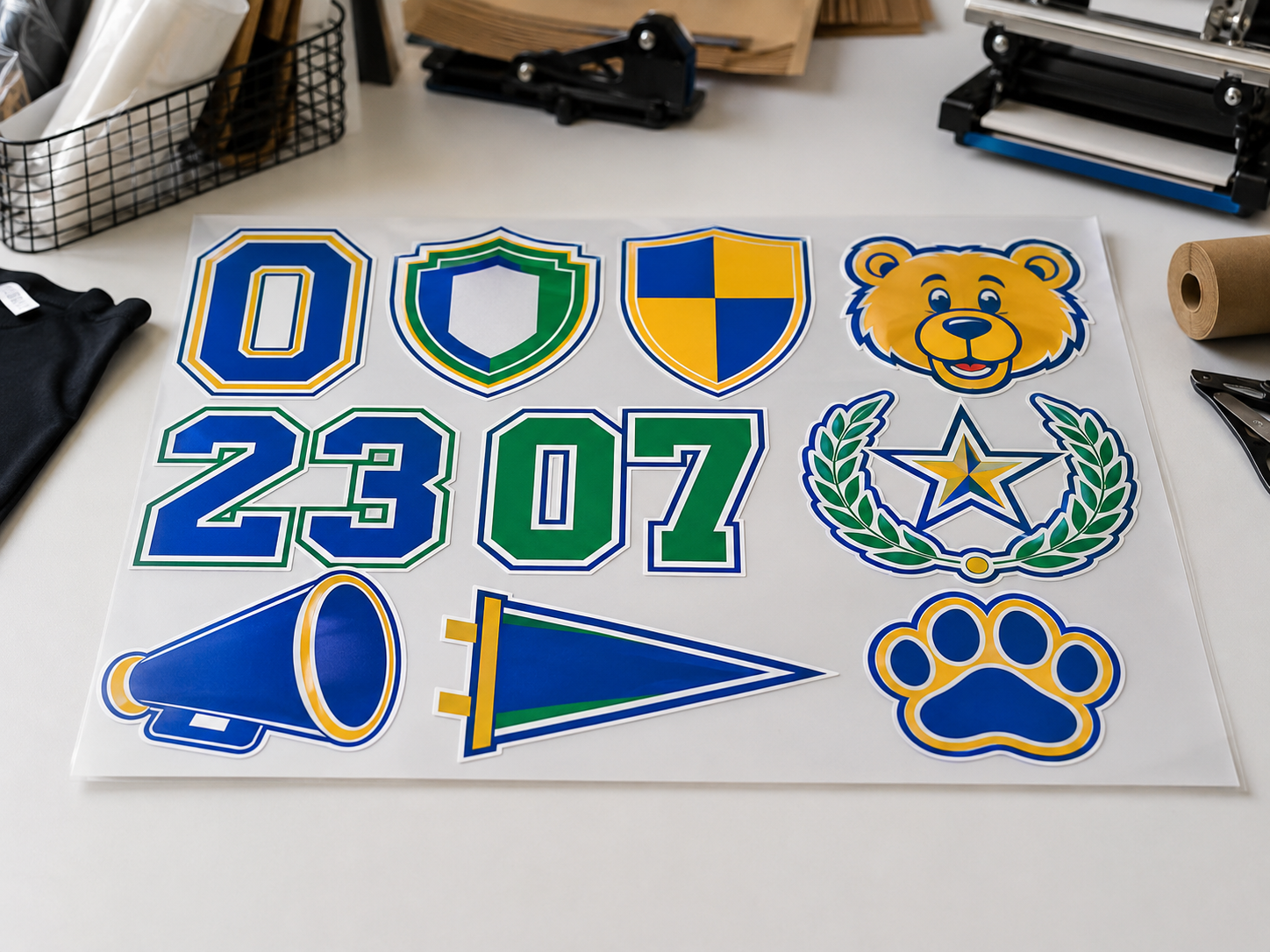
Build one layout for shirts, hoodies, tote bags, staff apparel, team orders, or group needs.
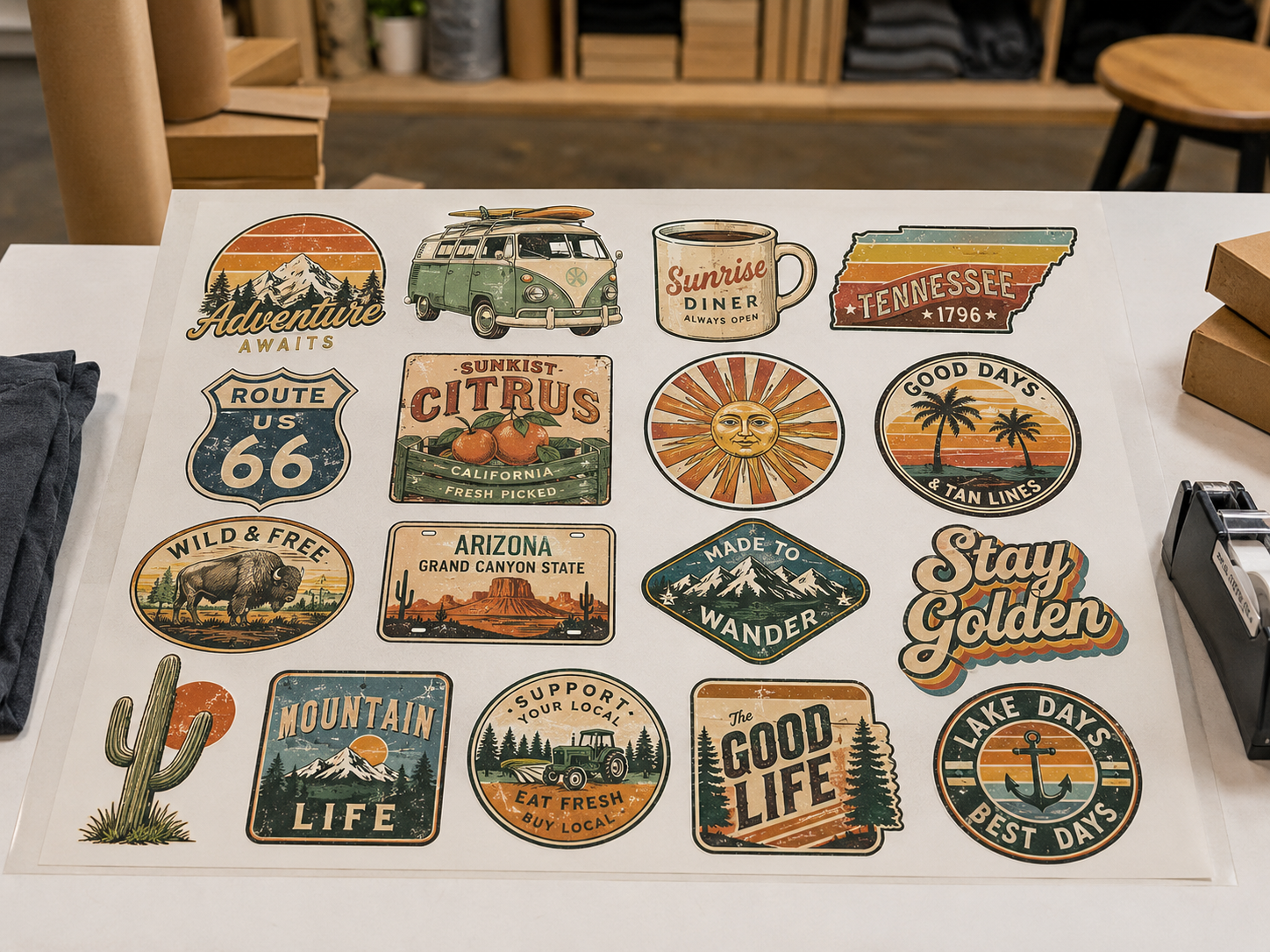
Use sheet space intentionally when several graphics need to print together instead of as separate orders.
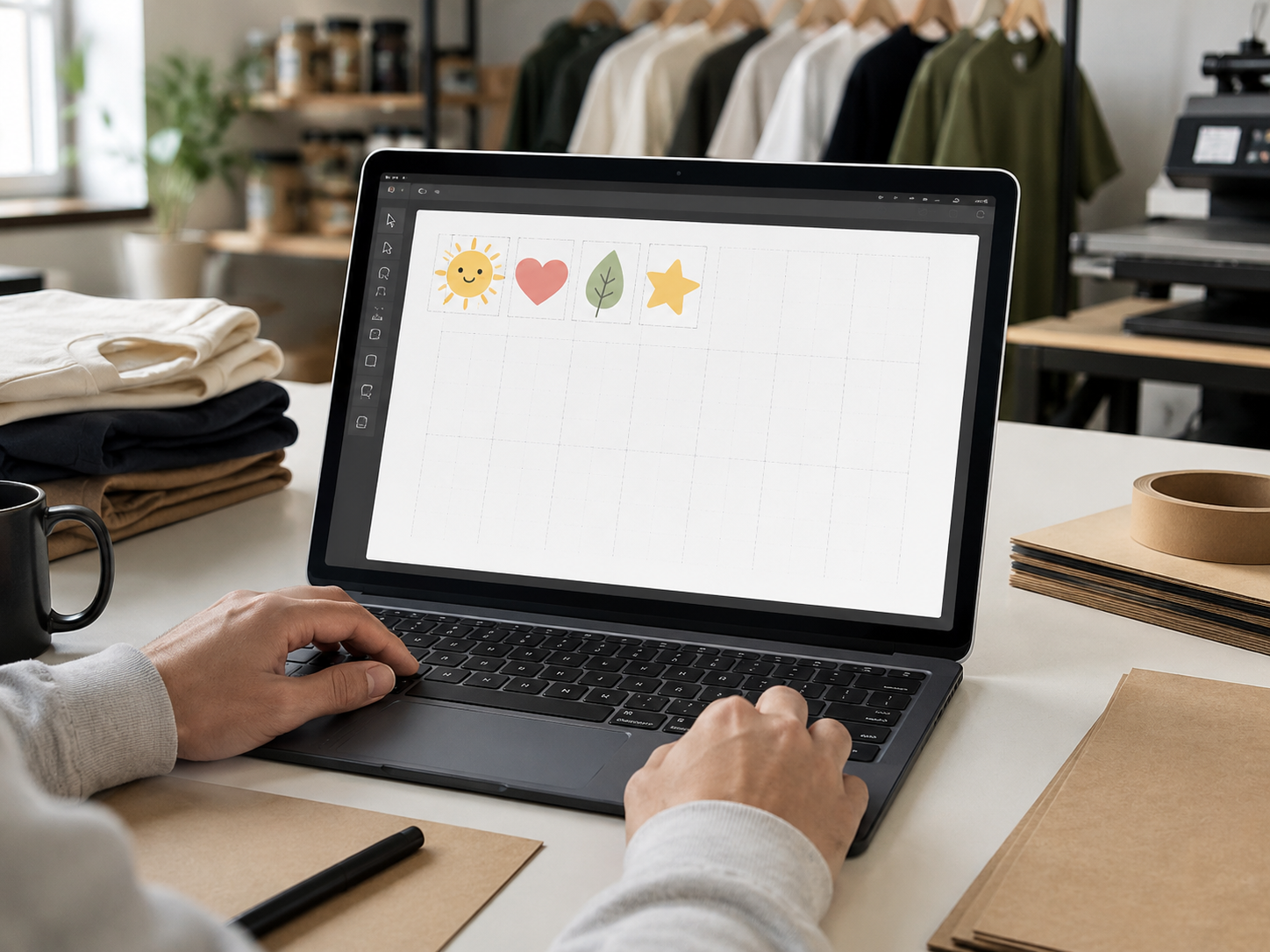
Start with separate artwork files and arrange them visually before submitting the order.
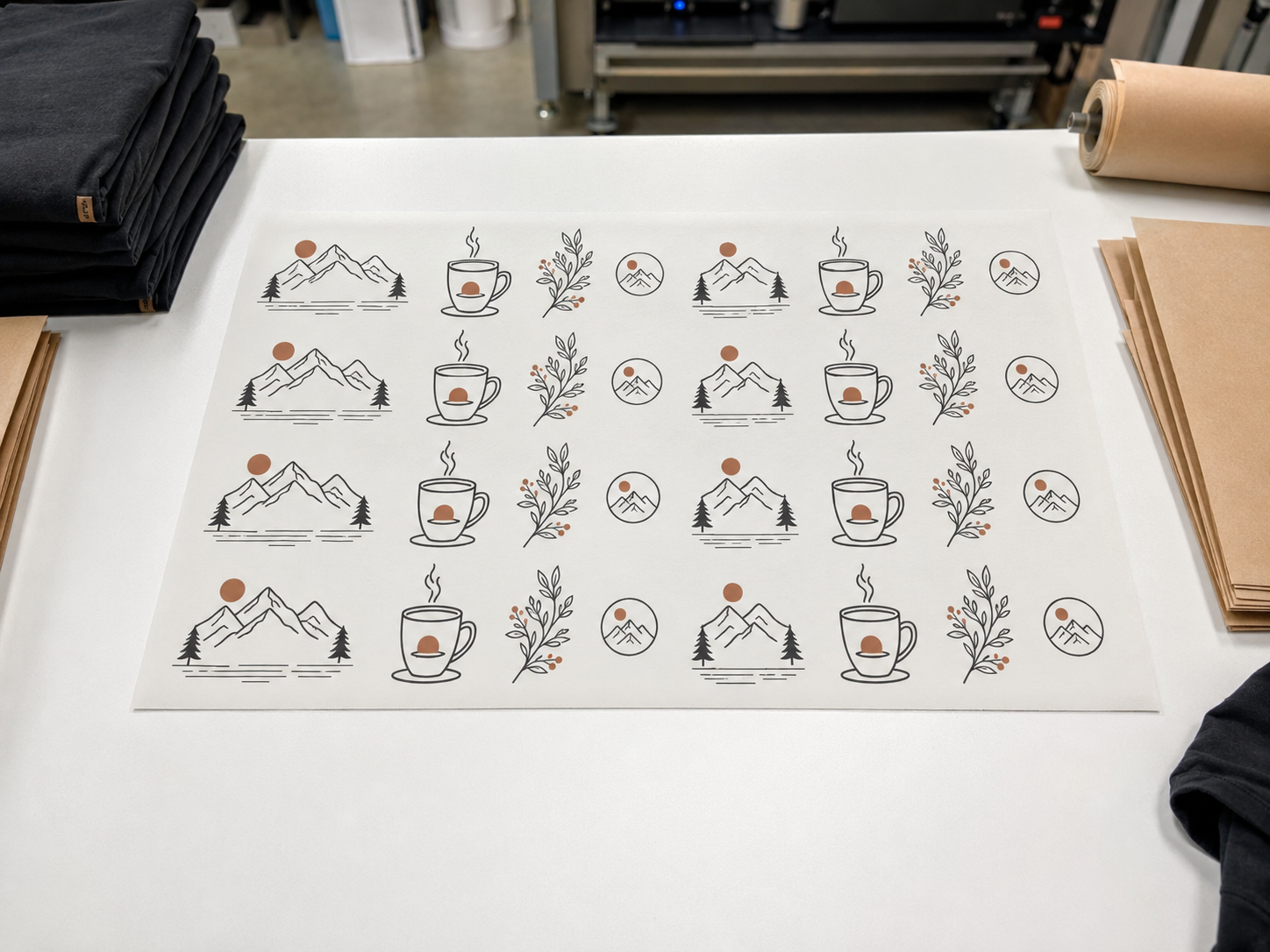
Build sheets for recurring graphics when the same placements return across future batches.
The main decision is file state. Separate artwork belongs in a layout workflow; a finished production sheet belongs in the finished-sheet upload route.
You still need to decide how multiple graphics share the print area.
The sheet is already sized, arranged, and ready for production review.
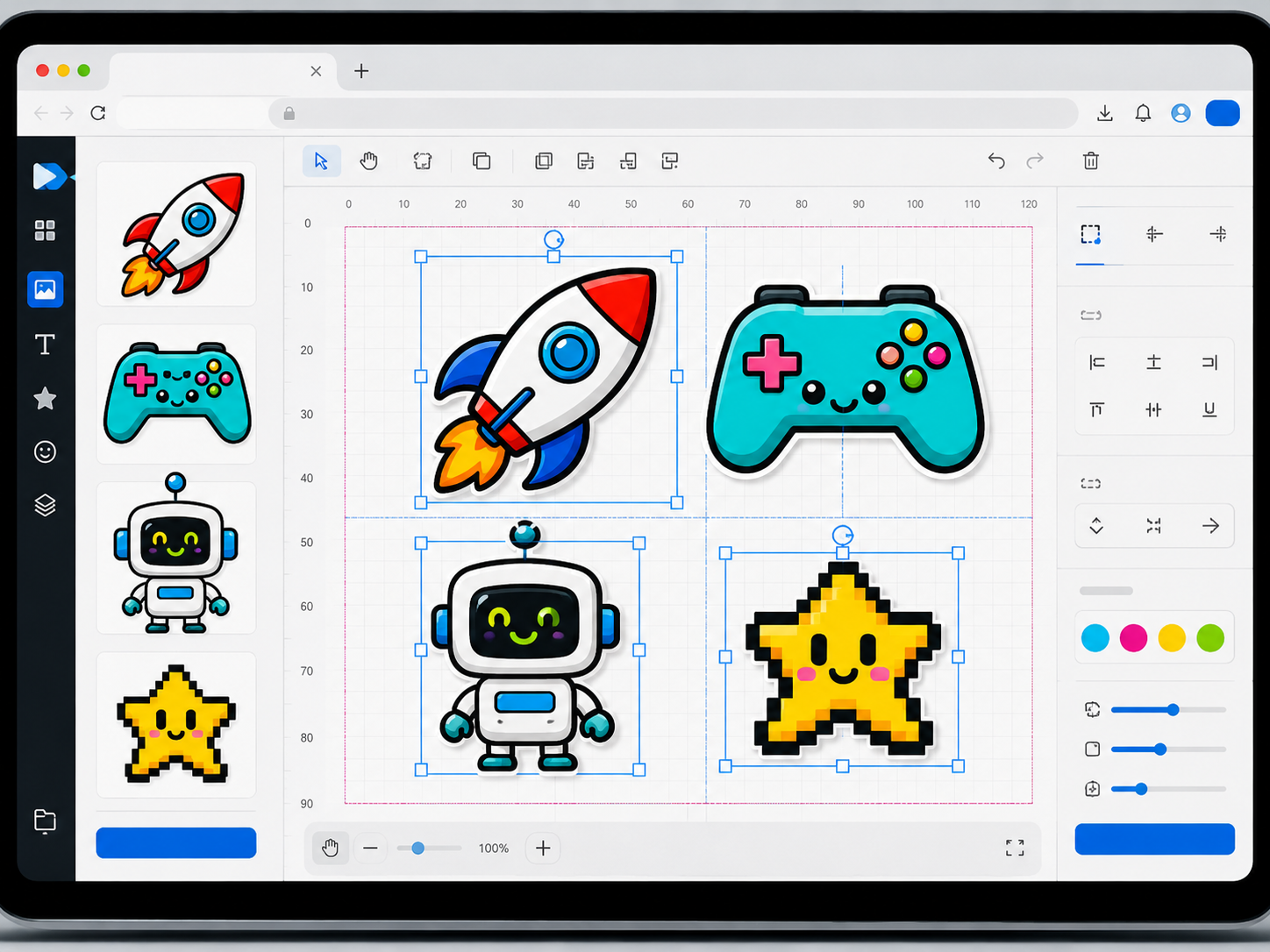
A gang sheet is easiest to order when the layout is clear before production review. The builder helps you group related graphics, compare placement choices, and avoid sending several loose files without a plan.
Start with the sheet, add the artwork, arrange the graphics, and review the layout before checkout.
Open the builder and select the sheet option that fits the job you are organizing.
Add the graphics, logos, names, numbers, or placements that need to share the sheet.
Place each graphic based on size, spacing, placement plan, and how the transfers will be used.
Check the sheet layout before submitting so the order reflects the intended print arrangement.
Send the built sheet into the order flow for artwork review, production timing, and fulfillment.
The builder does not require a finished gang sheet, but clean source files make layout decisions faster and reduce back-and-forth before production.
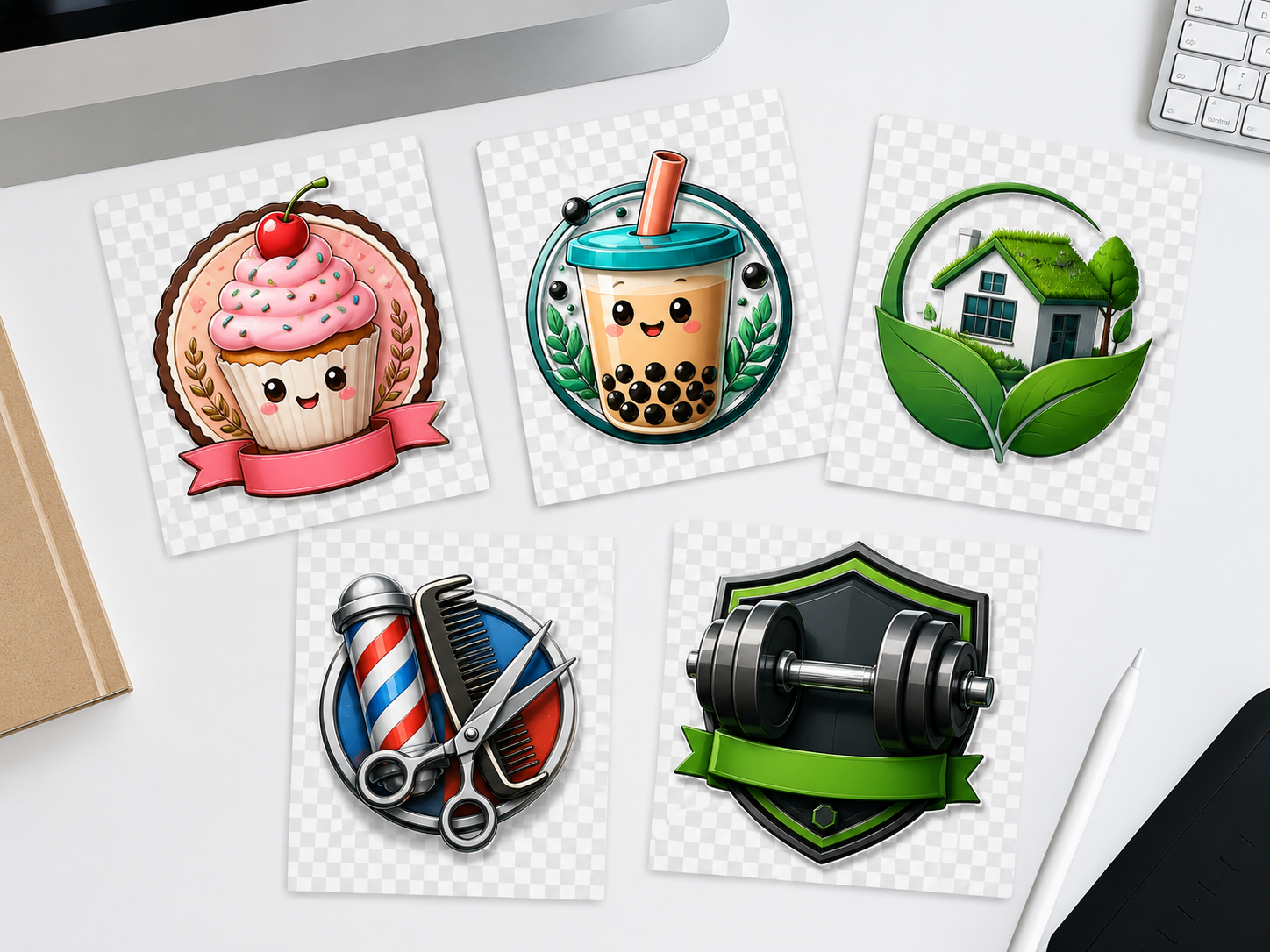
Gang sheets built here are produced in Spring, Texas, picked up locally by Houston-area buyers, and shipped to customers across the U.S. Free shipping applies over $75.
24-hour turnaround is available for eligible order types. Timing depends on artwork readiness, order type, and current production volume.
Nationwide U.S. shipping is available, with free shipping on orders over $75. Review the shipping policy for carrier options, timing, and exceptions.
Local pickup is available in Spring, Texas. Confirm larger or deadline-based orders before checkout.
Before checkout, confirm that your artwork files, sheet layout, and route choice match the job.
Use the Gang Sheet Builder when you want to combine multiple graphics on one sheet and control the layout before checkout.
Use the builder when the sheet is not built yet. Use Upload Your Gang Sheet when your sheet is already finished, sized, arranged, and ready to submit.
Yes. The builder gives first-time buyers a clearer way to organize separate artwork files before ordering a sheet-based DTF transfer job.
Upload PNG, PDF, TIFF, PSD, or AI artwork that is ready to be arranged for production. Transparent-background artwork is usually safest when the design needs open areas. Review the artwork guidelines before building if you are unsure.
Gang sheets are built on a 22×24-inch sheet area. Place as many designs as fit, and the current sheet options and pricing are confirmed inside the builder at checkout.
No. Raccoon Print supports no-minimum ordering, so buyers can test layouts, place short runs, and reorder only what they need.
24-hour turnaround is available for eligible order types. Timing depends on artwork readiness, order type, and current production volume. Larger-volume orders receive a confirmed delivery timeline.
Yes. If you are not sure whether to build a sheet, upload a finished sheet, or send separate files, contact Raccoon Print before uploading and we will point you in the right direction.
Choose the path that matches your file state before checkout.
Build a custom DTF gang sheet with Raccoon Print. No minimums. 24-hour turnaround is available for eligible order types. Local pickup is available in Spring, Texas.