The safe route when you have artwork but not a finished sheet. Send your logos and graphics as individual files, and Raccoon Print confirms the layout for you before anything prints. Choose this path when arranging a gang sheet is the step you have not done yet.
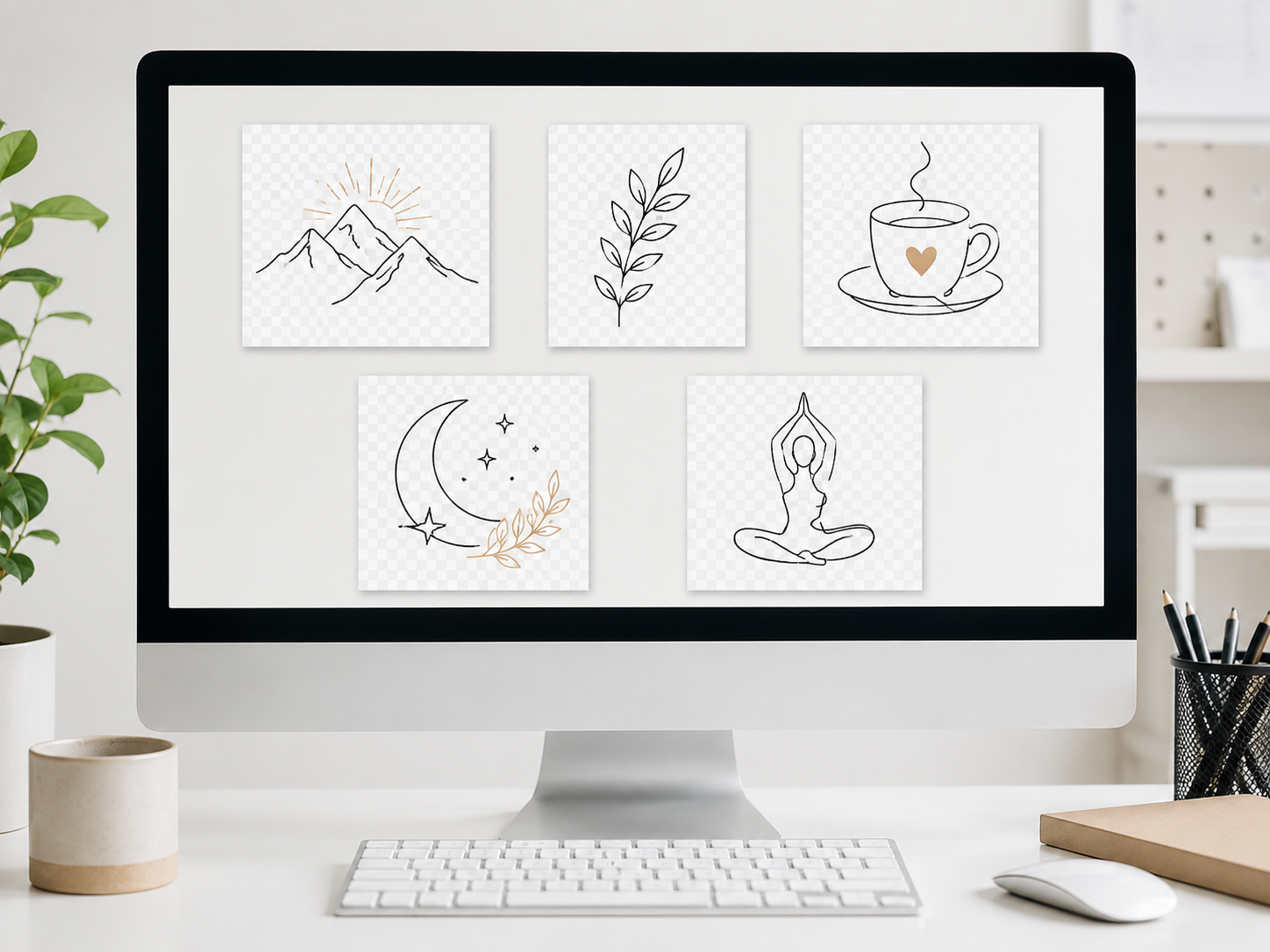
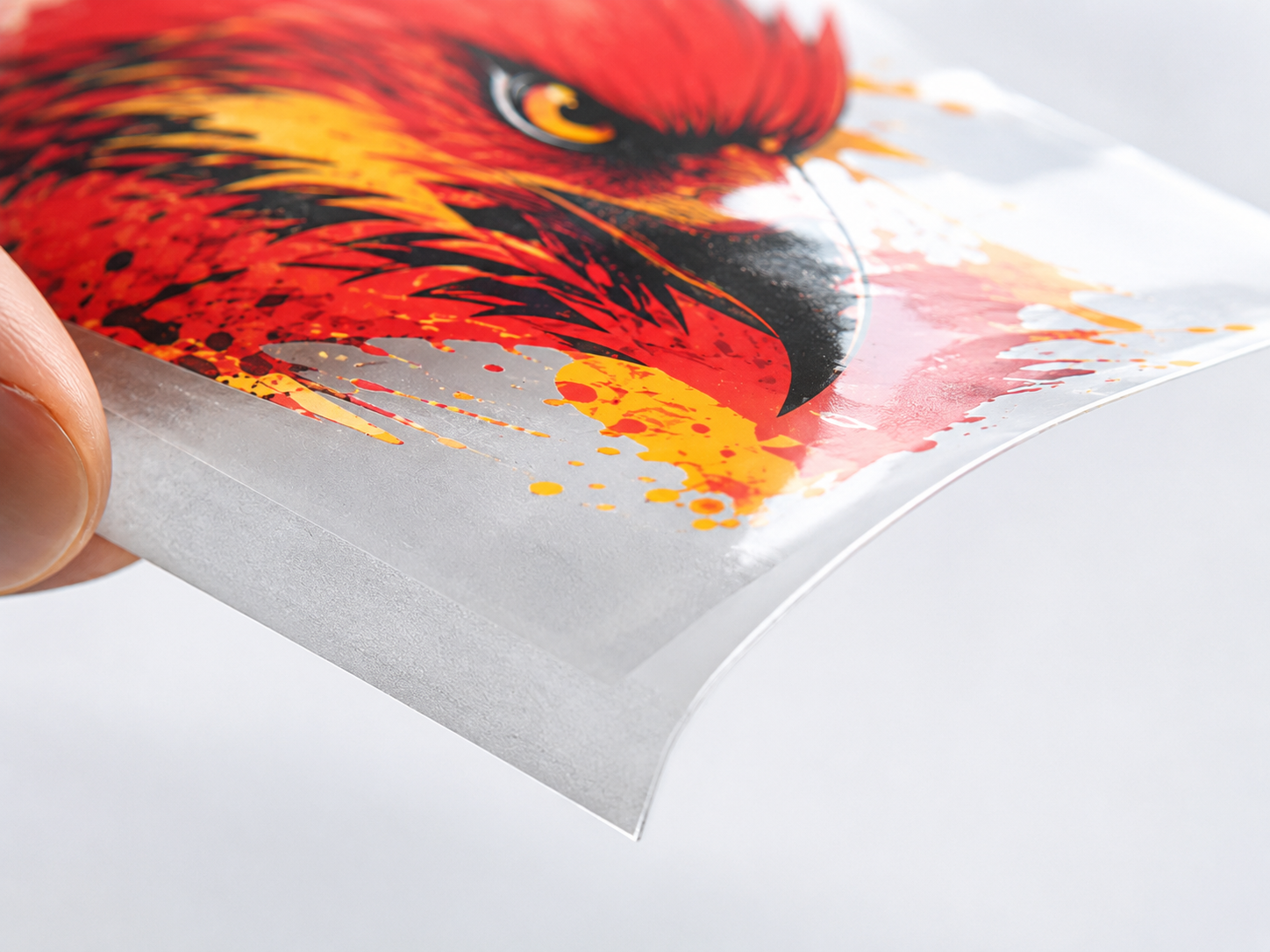
Upload Your Images is for buyers whose files are still separate. You hand over the individual graphics, and the layout step is handled and confirmed on our side instead of being a task you complete first.
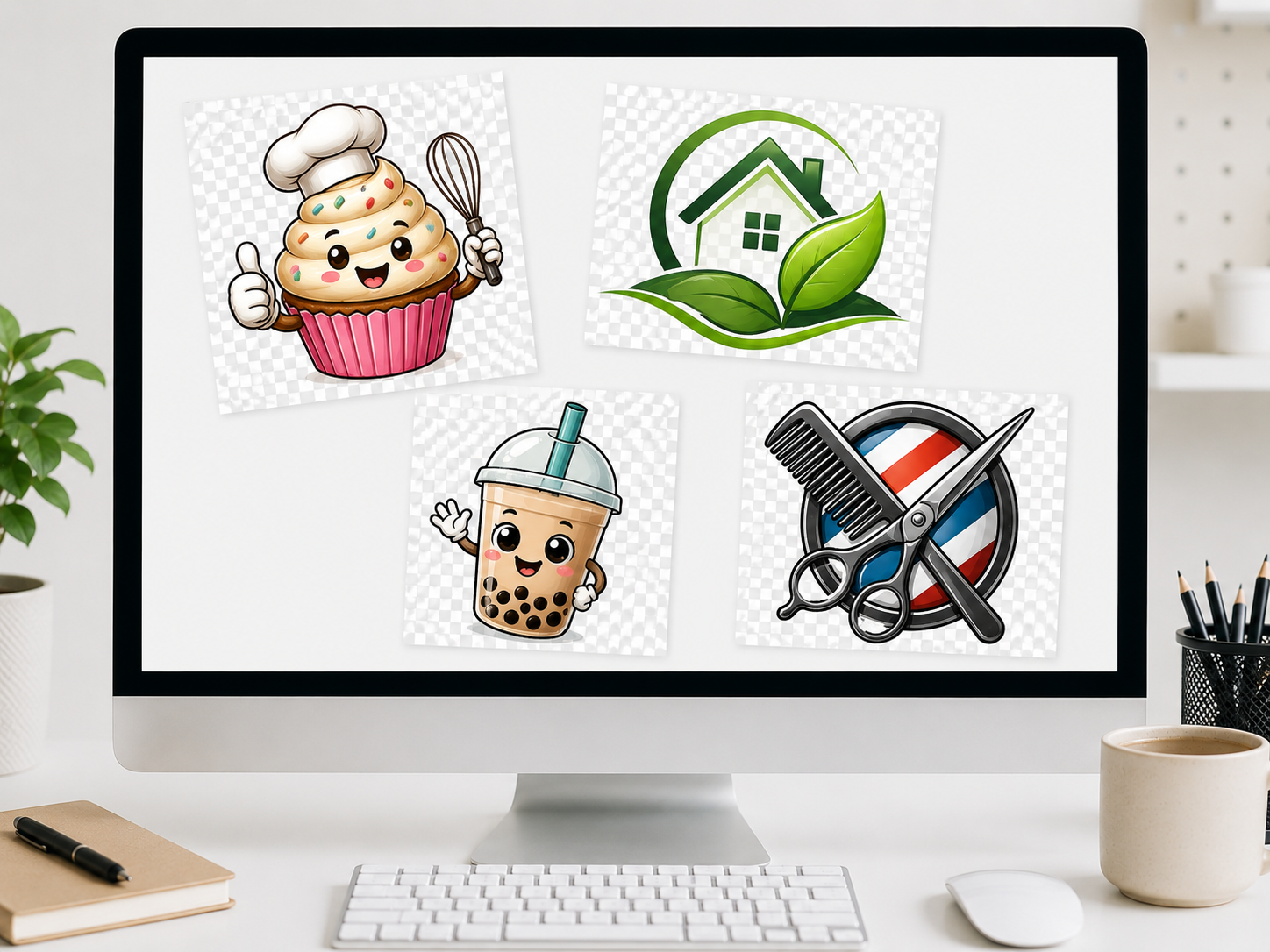
Send each logo or wordmark as its own graphic when they have never been combined into a single print sheet.
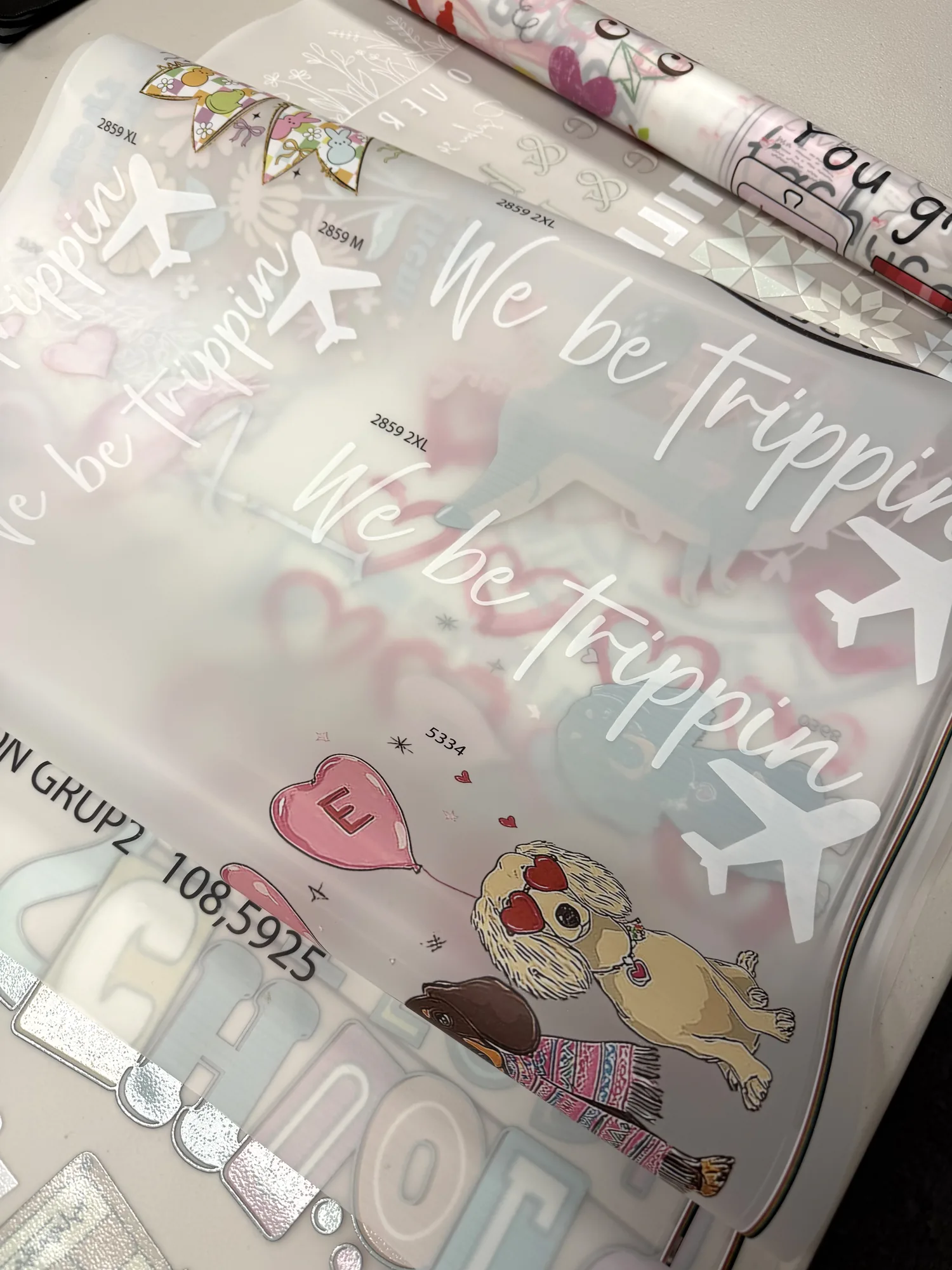
Drop in a mix of graphics, badges, names, and small prints, and let the layout be sorted out before production.
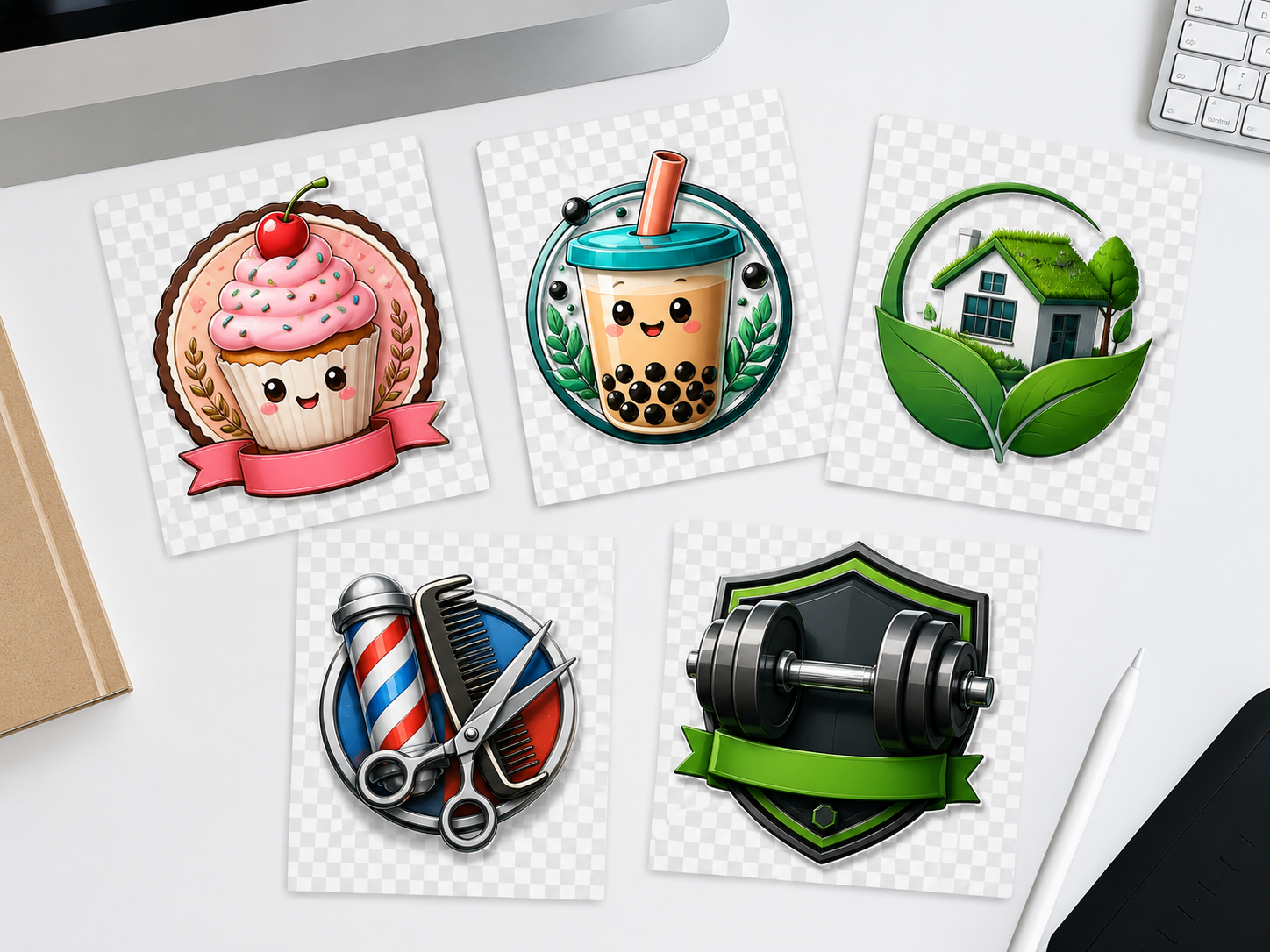
Choose this when the artwork exists but nothing has been placed, spaced, or sized onto a print area.

Hand the sheet arrangement to Raccoon Print when you would rather not place every graphic by hand.
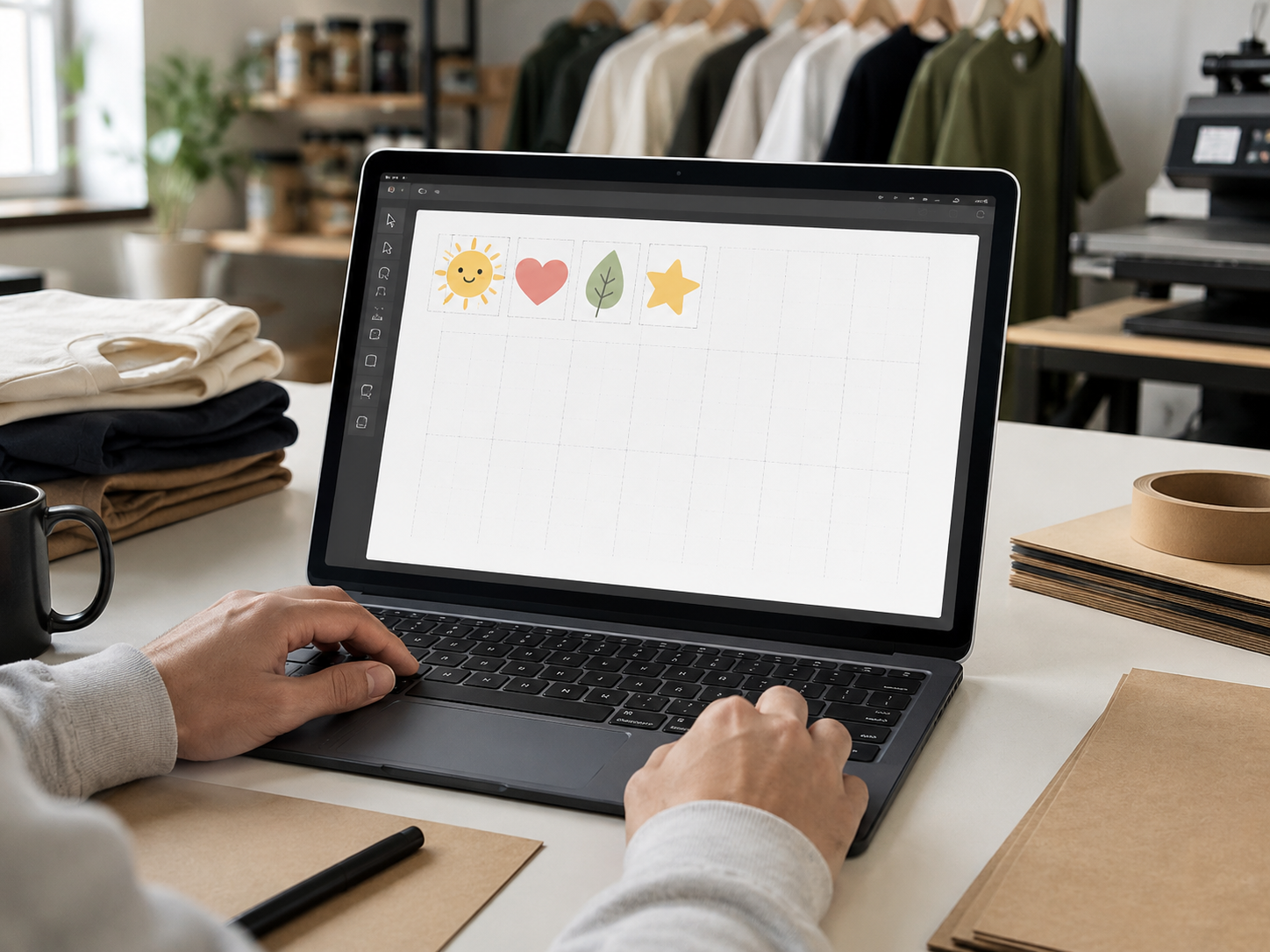
Skip the layout learning curve on a first order and let the team confirm the arrangement with you.
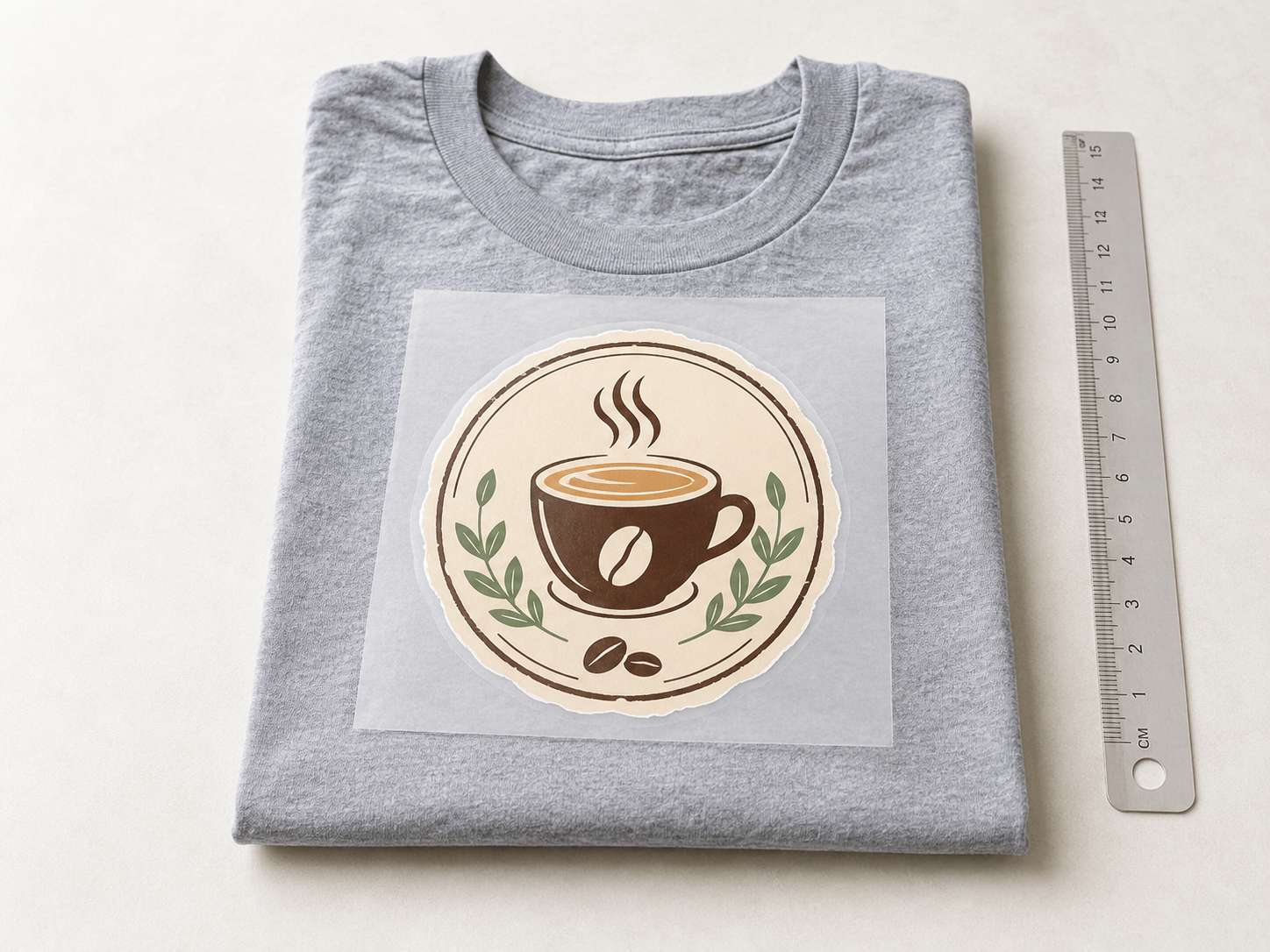
Send a single print-ready graphic when you just want it produced without building a sheet around it.
Attach your individual print-ready graphics, tell us what they are for, and submit. Raccoon Print reviews the files, arranges the layout, and confirms it with you before anything goes to press. No minimums.
These are the formats accepted for separate-image uploads. A transparent PNG at 300 DPI is the safest starting point, but vector and layered files work well too.
| Format | Best when | Notes |
|---|---|---|
| PNG | transparent, 300 DPI | The safest default. Keep the background transparent so the garment shows through around the design. |
| print-ready export | Good for layouts exported from design tools when fonts and graphics are already finalized. | |
| TIFF | high-detail raster | Useful for detailed raster artwork that needs to keep maximum image quality. |
| PSD | layered Photoshop | Send layered files when transparency, effects, or separate elements still need to be reviewed. |
| AI | vector artwork | Ideal for logos and line art that should stay crisp at any transfer size. |
The whole point of this route is to keep you off the wrong path. The difference is simple: are you sending loose artwork, or a single sheet that is already arranged and sized?
Your artwork is still in separate files and the layout has not been decided. We arrange and confirm the sheet for you.
You either want to arrange the sheet yourself in the browser, or you already have one finished sheet built and ready to submit.
The most common slip is sending a flattened mockup as if it were a finished gang sheet. A picture of a shirt with a logo on it is not a production sheet. Send the source graphics instead.
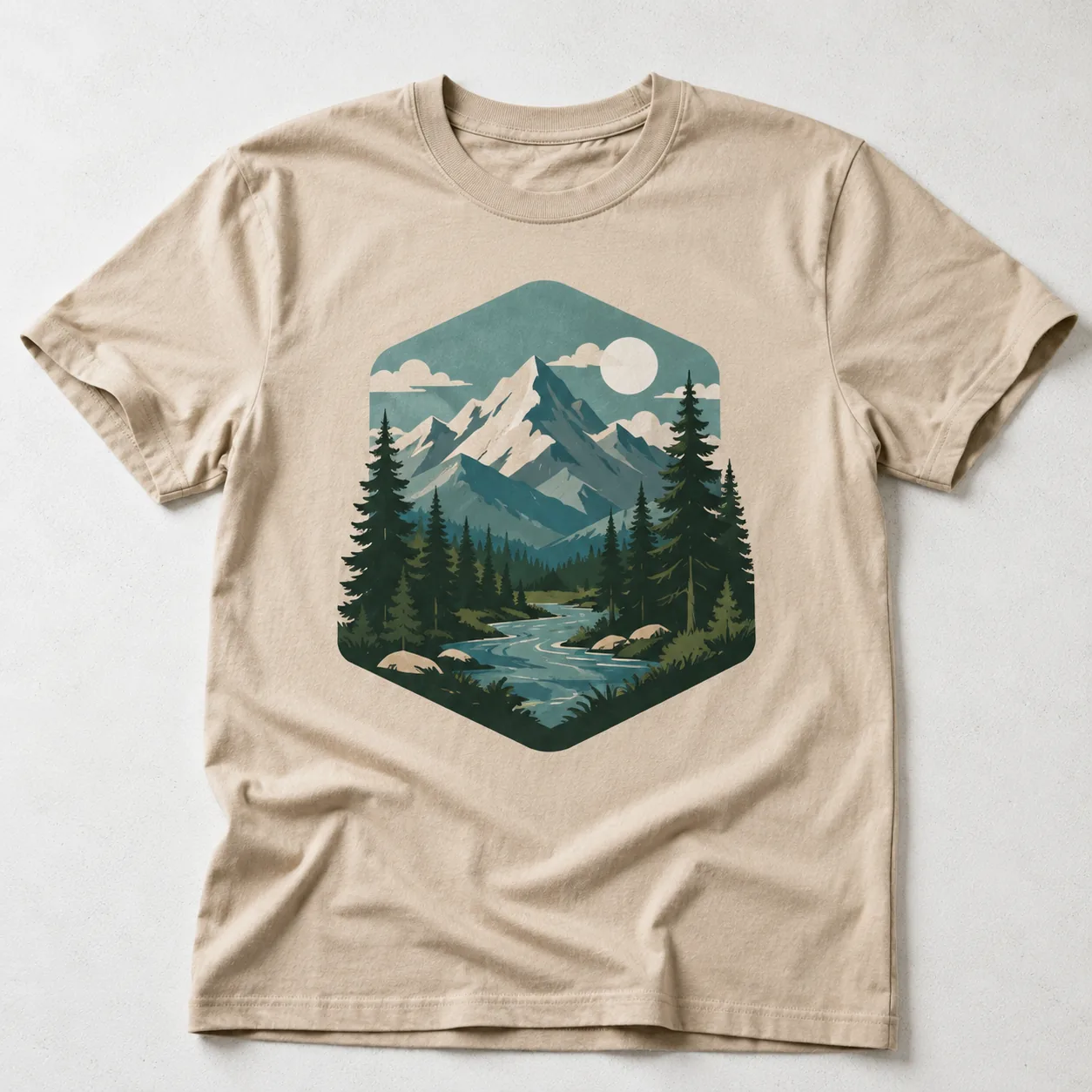
A product photo or design mockup with the artwork baked into the background is not a print file. It cannot be separated cleanly for a transfer, so it usually needs to be re-sent as source graphics.
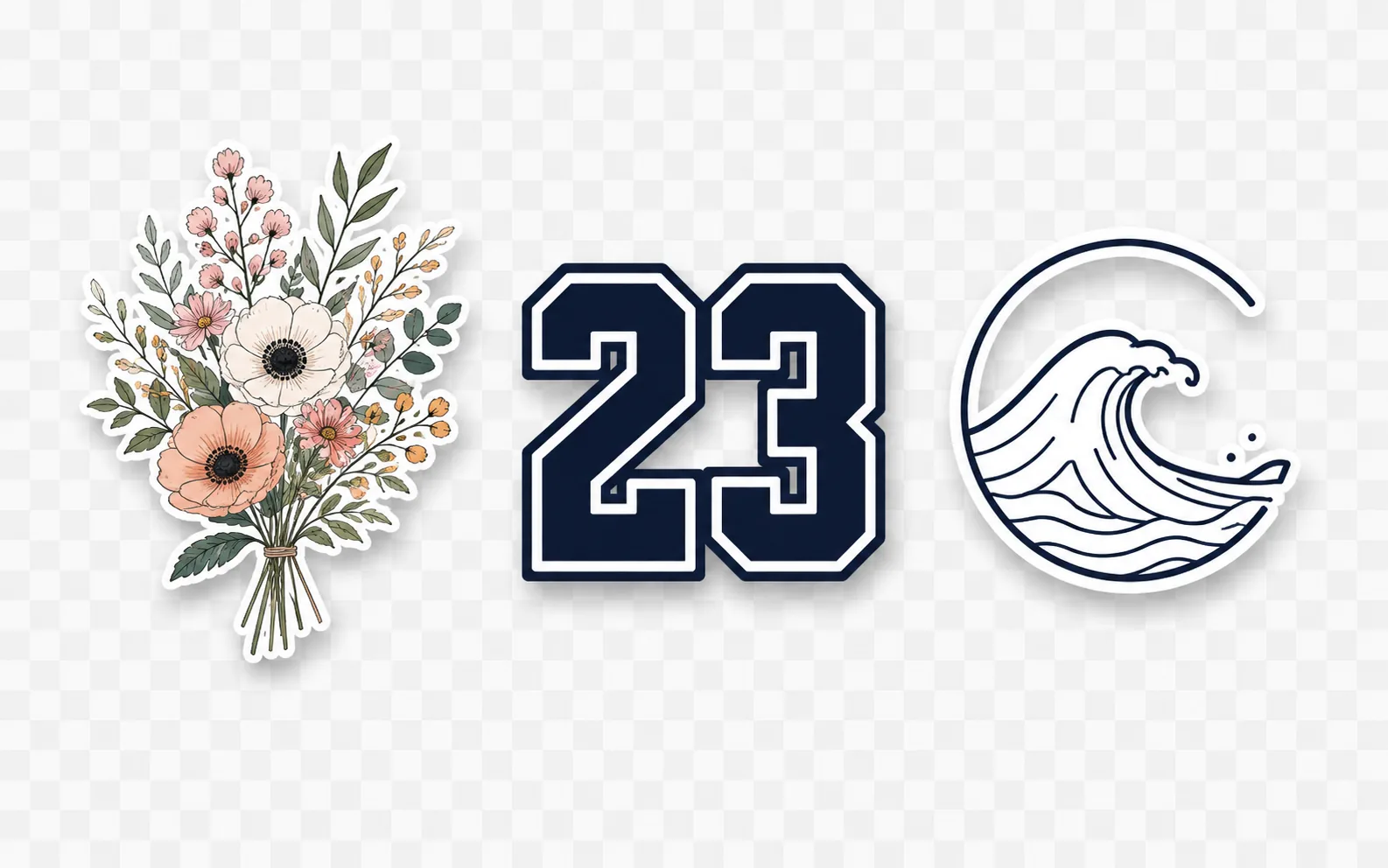
Send each design as its own clean file with a transparent background where possible. Those are the files we can review, arrange, and confirm without guessing what belongs where.
You do not need to arrange anything onto a sheet for this route. You just need each individual graphic to be clean enough that the layout can be confirmed without a round of fixes.
Uploading is not the last step. The files are reviewed, the layout is arranged, and the arrangement is confirmed with you before any transfer is printed.
Each graphic is checked for resolution, transparency, and anything that needs a cleaner version before press.
Your separate designs are placed onto a sheet so the print area is used sensibly for the order.
The proposed layout and sizing are confirmed with you so the result matches what you expected.
Once you approve the layout, the job moves into production for printing and fulfillment.
After the arrangement is confirmed, your transfers are printed in Spring, Texas, made available for local pickup by Houston-area buyers, and shipped to addresses across the U.S. Orders over $75 ship free.
24-hour turnaround is available for eligible order types. Timing depends on artwork readiness, order type, and current production volume.
Nationwide U.S. shipping is available, with free shipping on orders over $75. Review the shipping policy for carrier options, timing, and exceptions.
Local pickup is available in Spring, Texas. Confirm larger or deadline-based orders before checkout.
Before you send files, confirm that this is the right route and that each graphic is ready for layout.
Use Upload Your Images when your artwork is still in separate files and you have not arranged a gang sheet yet. You send the individual graphics and Raccoon Print confirms the layout before printing.
Upload Your Images is for separate files that still need to be arranged. Upload Your Gang Sheet is for one finished sheet that is already sized and laid out. If your designs are not yet placed onto a single print file, this is the route to use.
With the Gang Sheet Builder you arrange the designs yourself in the browser. With Upload Your Images, Raccoon Print handles the layout for you from the separate files you send. Choose this route when you would rather not place each graphic by hand.
You can upload PNG, PDF, TIFF, PSD, or AI files. A transparent PNG at 300 DPI is the safest default for most designs. If you only have a JPG or a screenshot, send it and we will flag anything that needs a cleaner file before press.
A flattened mockup with the artwork baked into a product photo is not a print file and usually cannot be used directly. Send the original source graphic for each design instead, ideally with a transparent background, so the layout can be arranged cleanly.
Your files are reviewed for resolution and transparency, the designs are arranged onto a sheet, and the proposed layout and sizing are confirmed with you. Production only starts after you approve the arrangement.
No. Raccoon Print supports no-minimum ordering, so you can send one graphic or several, place short runs, and reorder only what you need.
Yes. If you are not sure whether to upload separate images, build a sheet, or upload a finished sheet, contact Raccoon Print before uploading and we will point you in the right direction.
Start from the route that matches your file state so the order moves forward without a detour.
Upload separate artwork files to Raccoon Print and let the layout be arranged for you. No minimums. 24-hour turnaround is available for eligible order types. Local pickup is available in Spring, Texas.