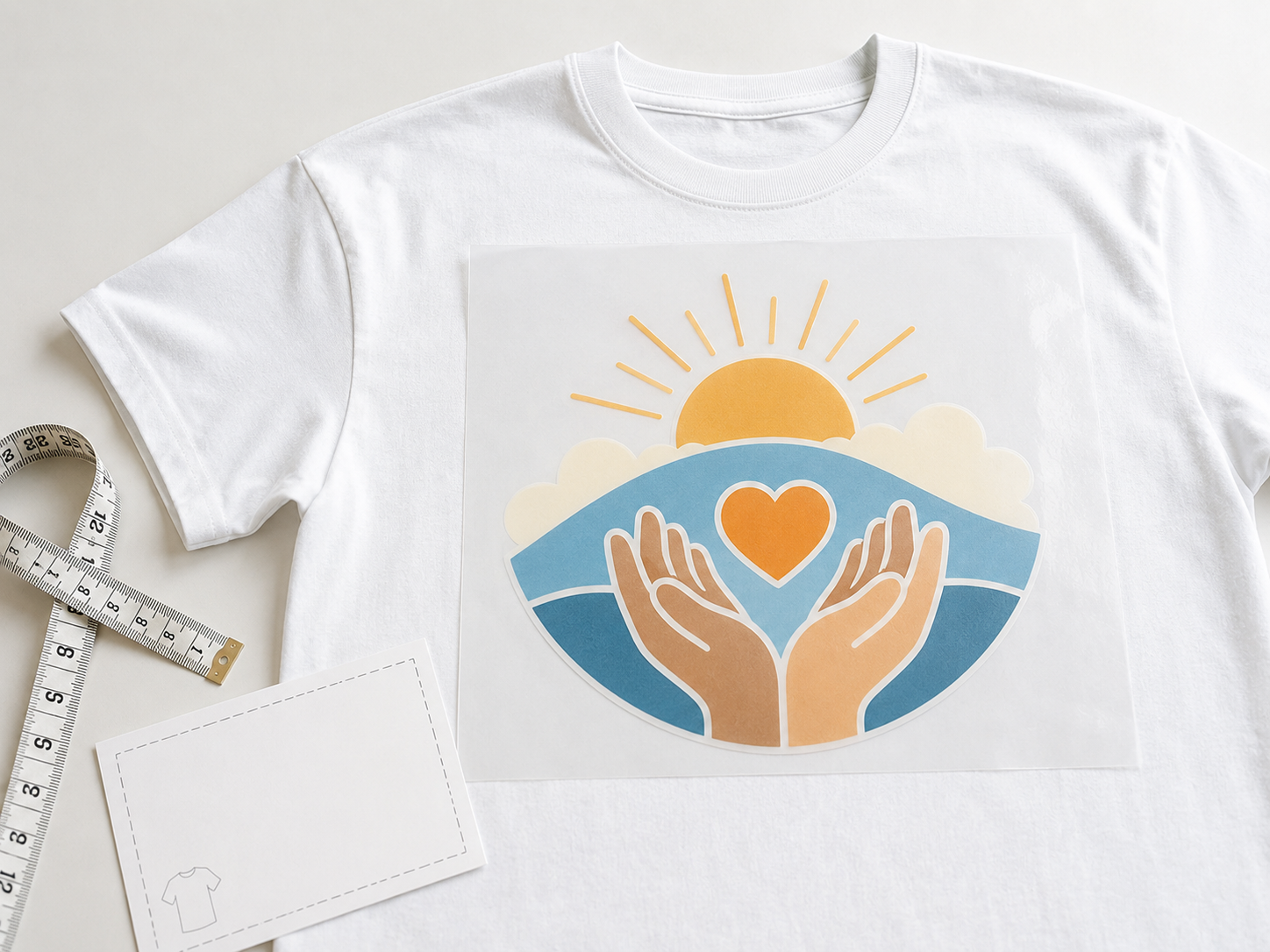
DTF Transfers

Start your DTF order through the route that matches your file state.

Raccoon Print supports direct size-based orders, gang sheet building, finished gang sheet uploads, and individual image uploads for buyers who need custom DTF transfers without a one-size-fits-all order path.

No minimums. 24-hour turnaround on eligible order types. Free shipping over $75. Based in Spring, Texas. Serving the Houston area and shipping nationwide across the U.S. Local pickup is available.

Choose Your Order Route

Why Custom DTF Transfers Work

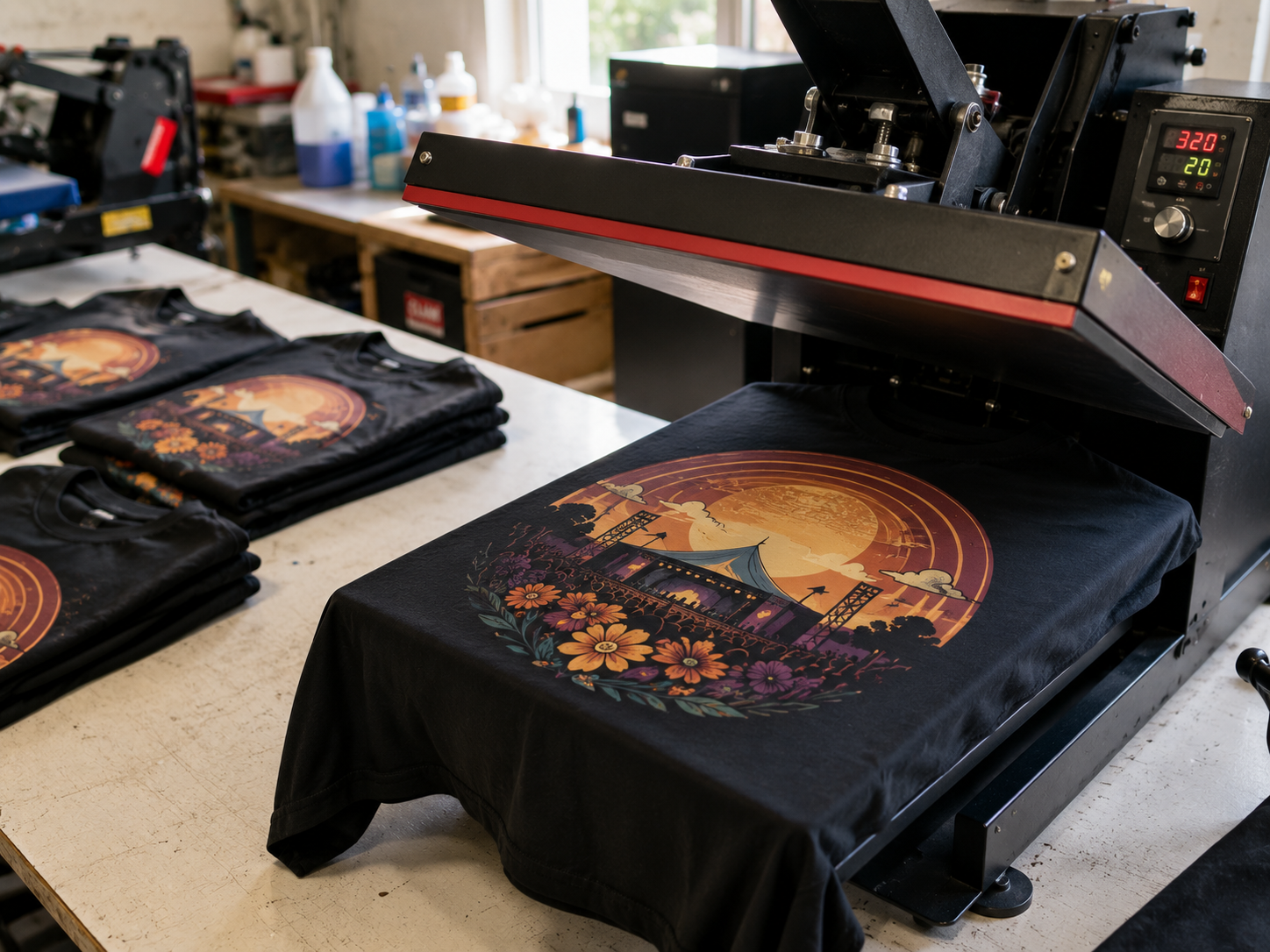
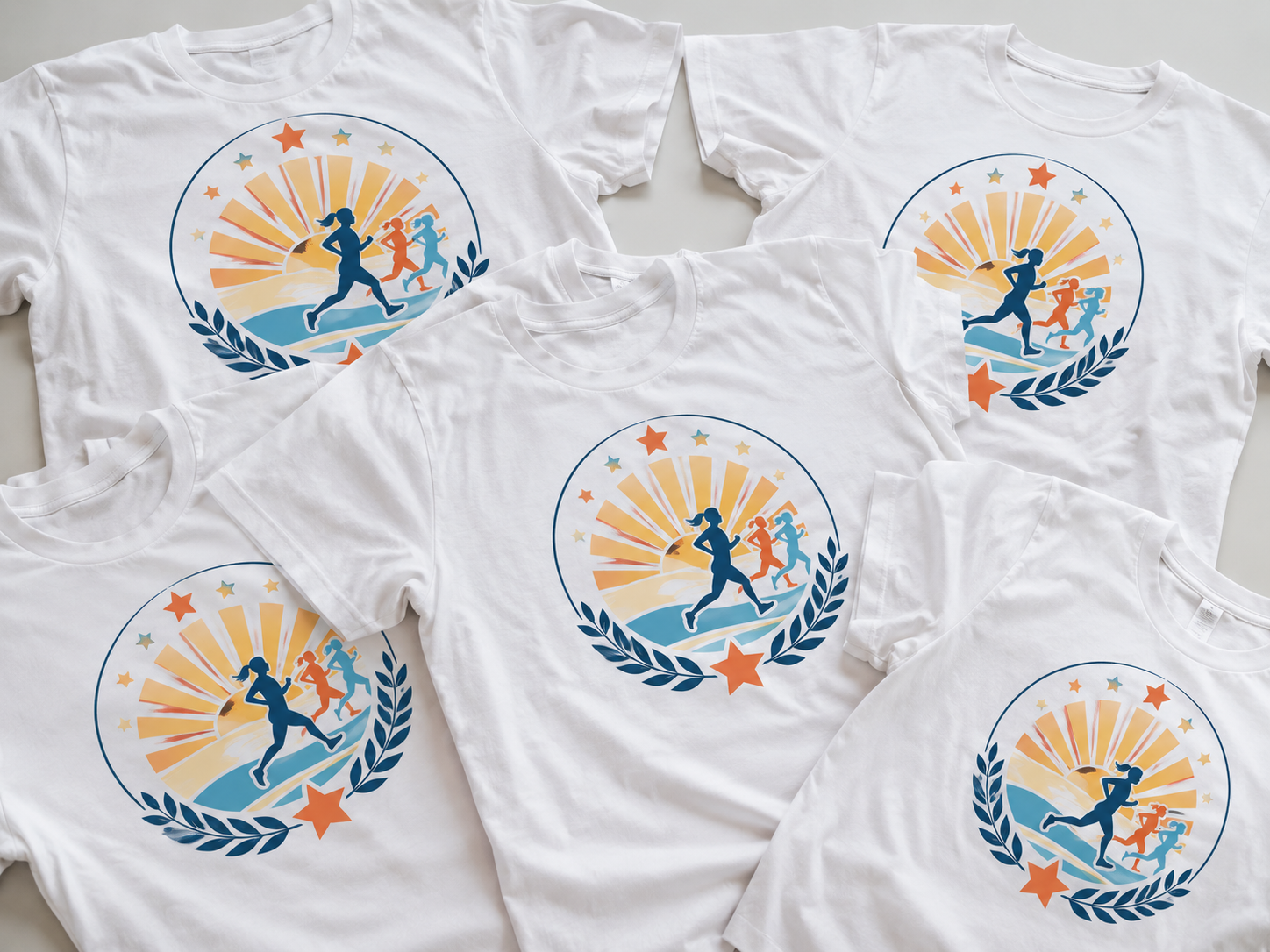
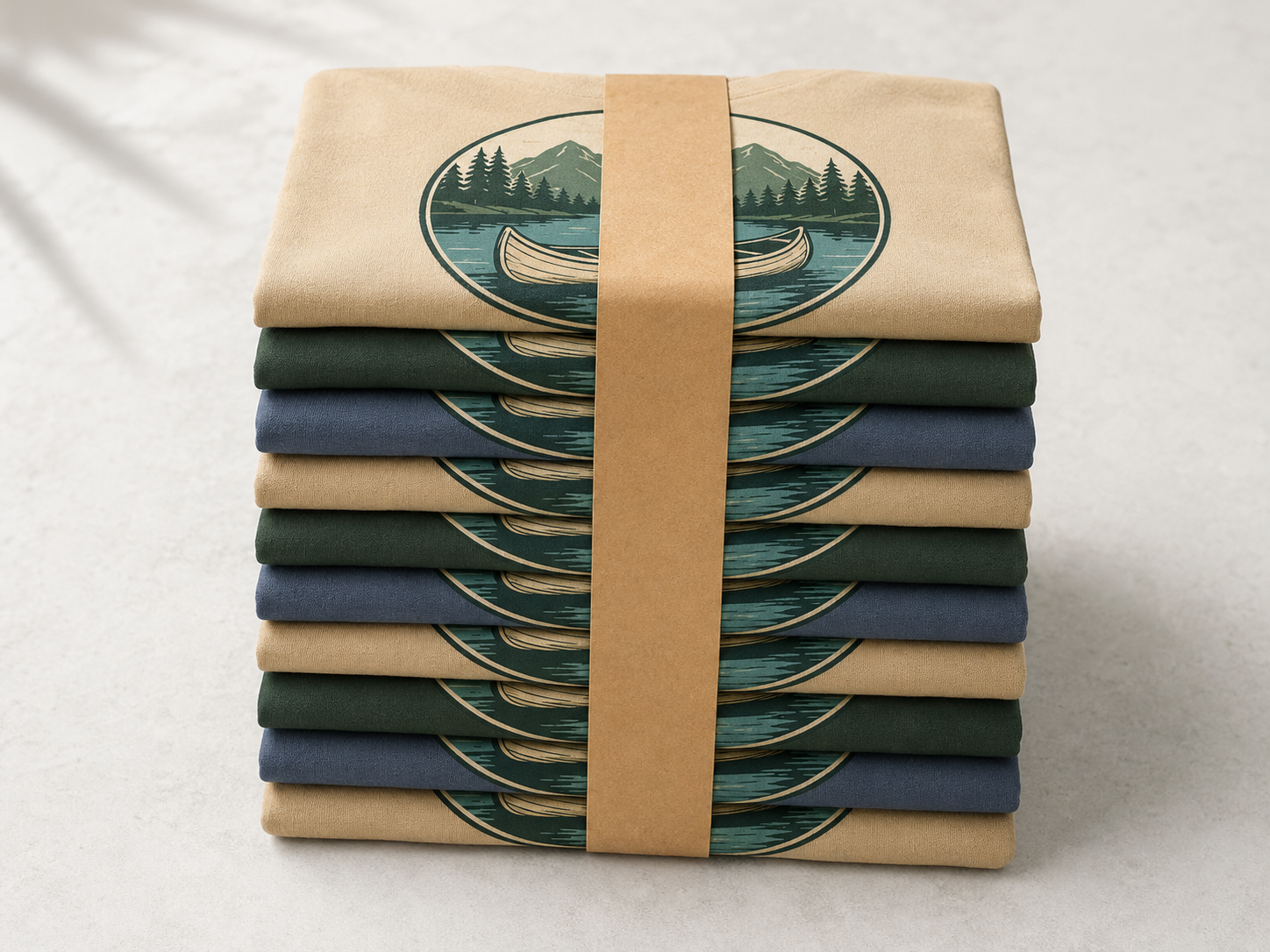
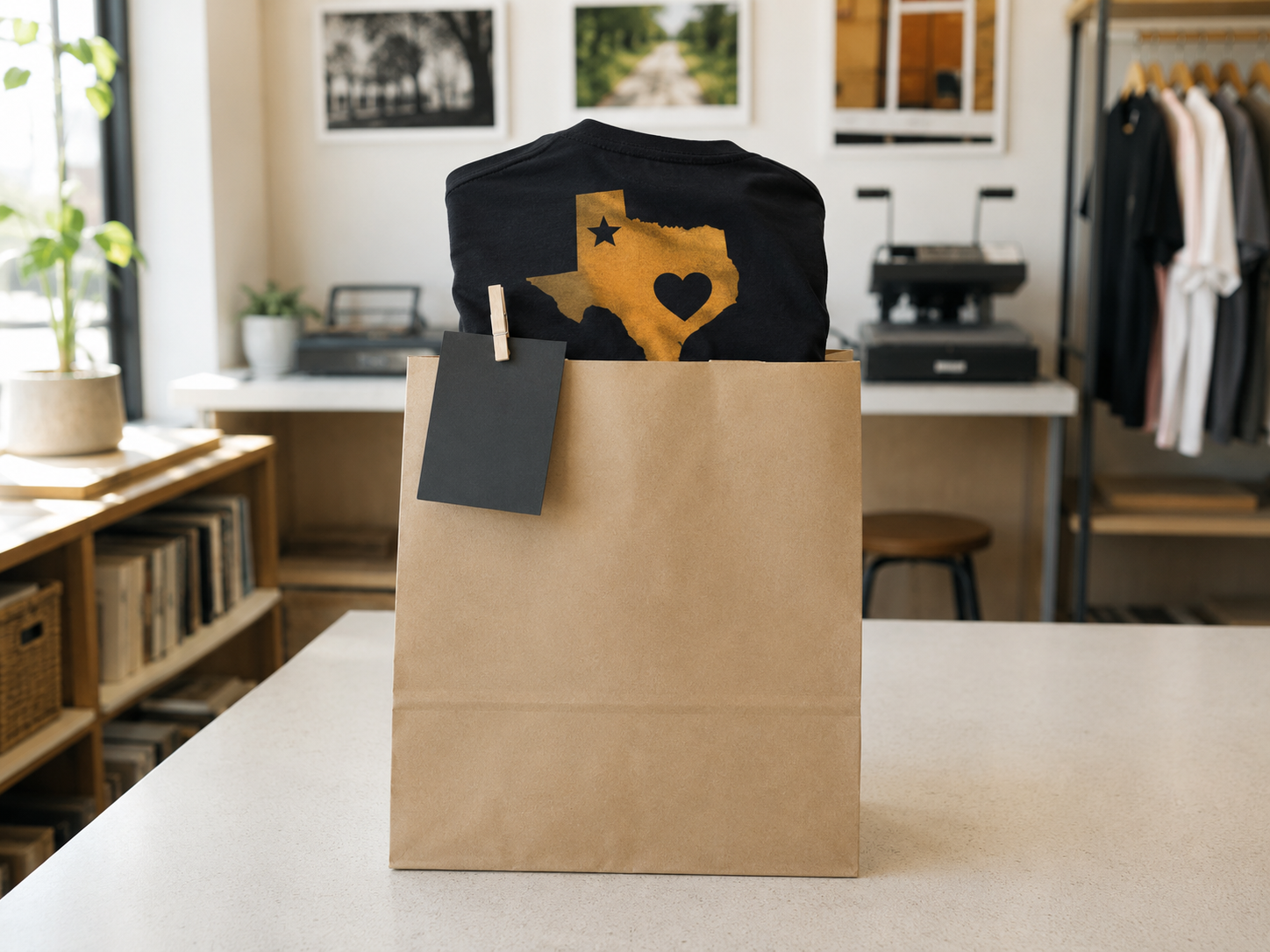
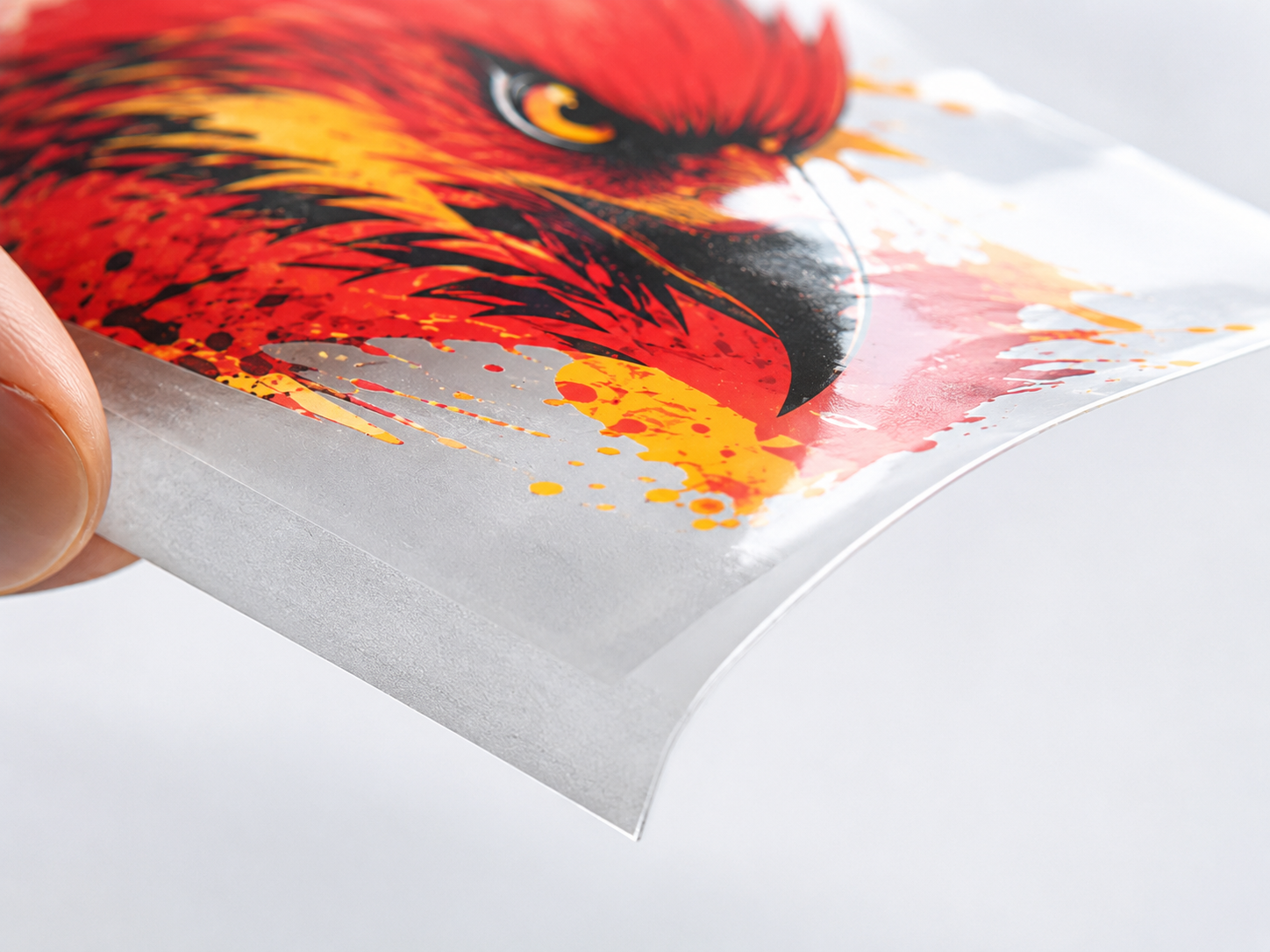
Custom DTF transfers give buyers a flexible way to decorate apparel without locking every order into one print method or one order size. They work well for short runs, repeat orders, branded uniforms, event merch, school apparel, church shirts, club merchandise, and promotional jobs that need strong color and a clean press result.

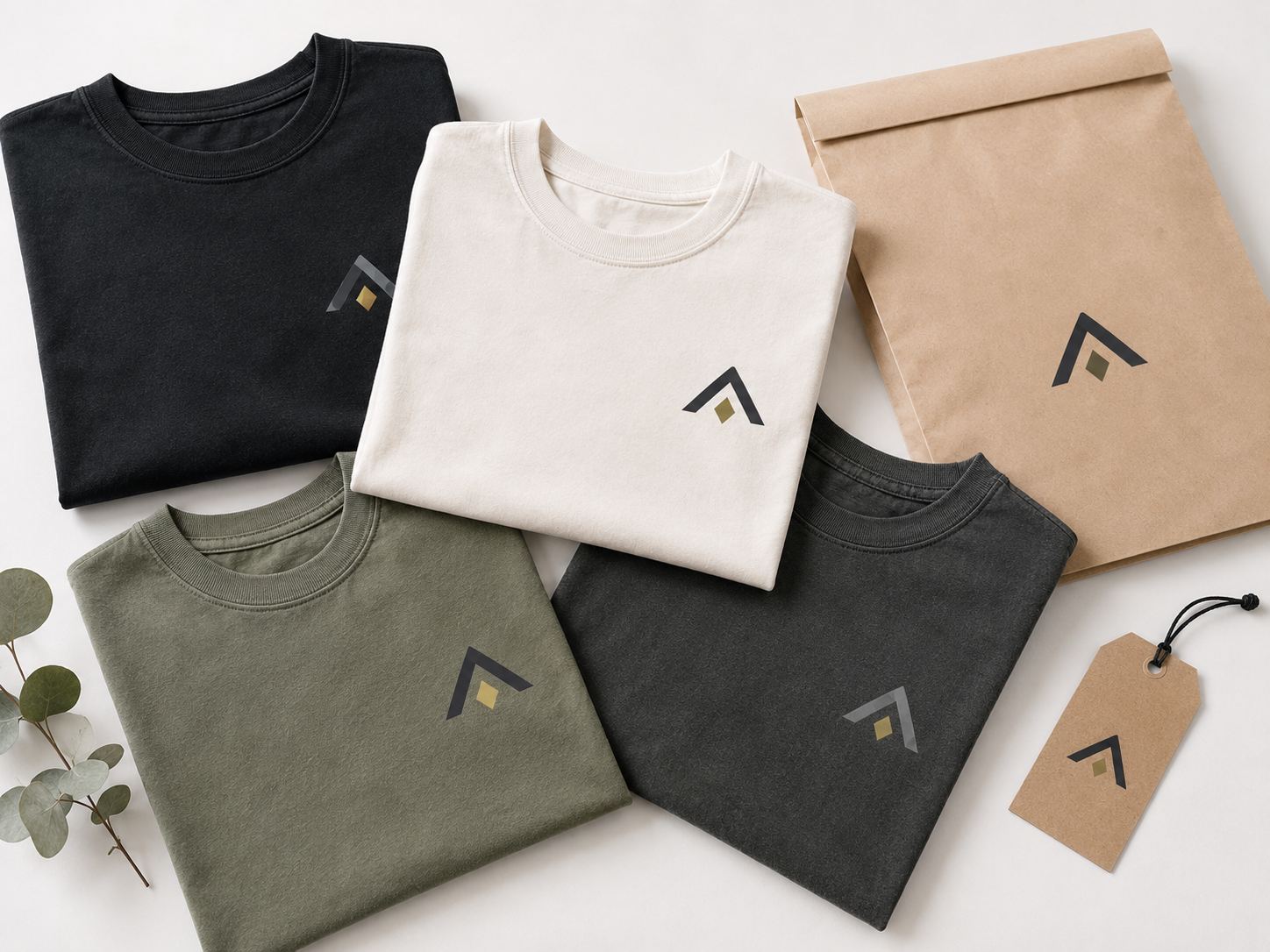
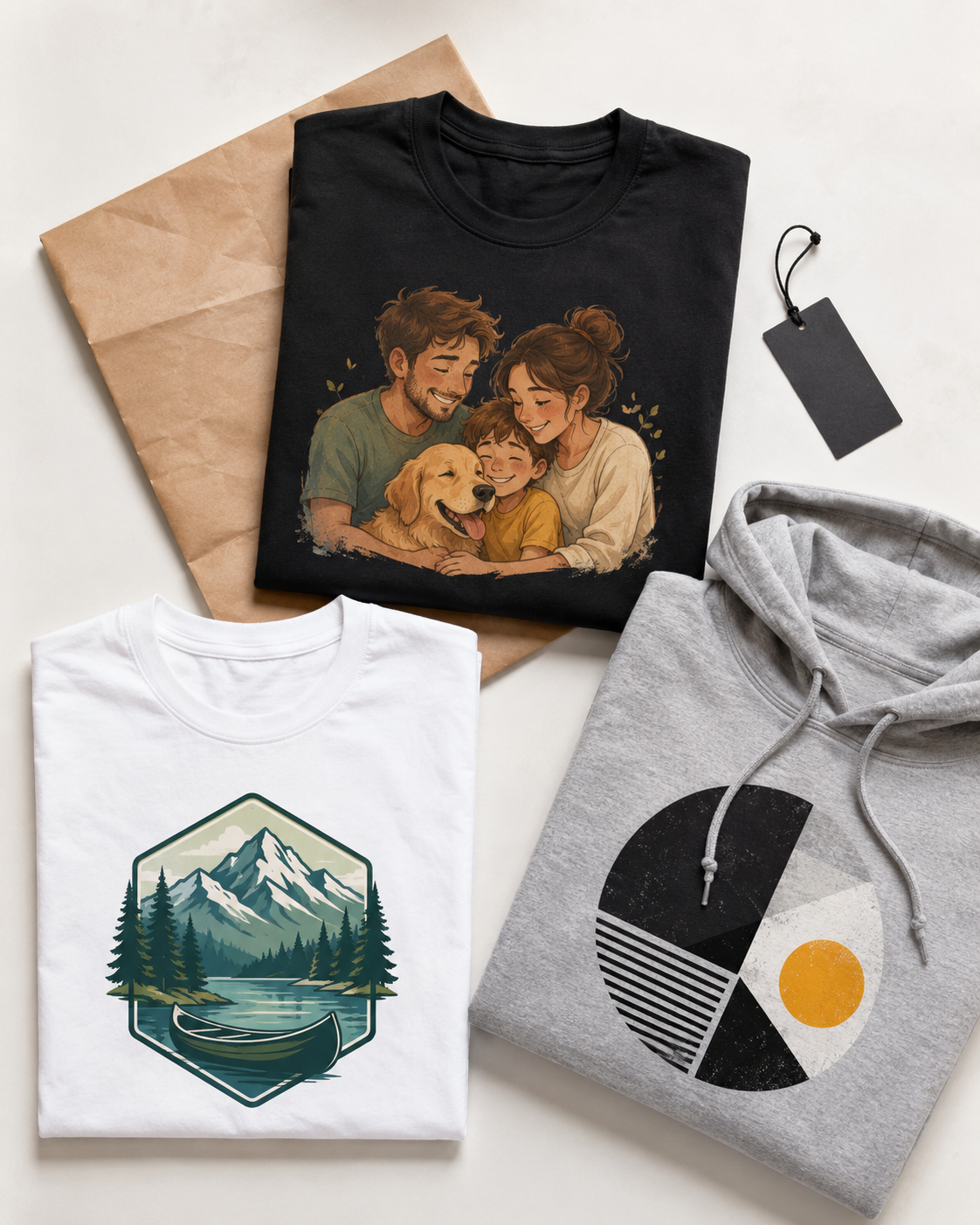
They are also a practical fit across a wide range of products. DTF works well on t-shirts, hoodies, sweatshirts, tote bags, hats, and other soft goods where buyers need a durable transfer that can handle detail, color, and repeat use.

For buyers who need a broad custom transfer option instead of a narrow specialty product, this is the main category to start with.

Custom DTF Transfers – Premium. Fast. No Minimums.

The goal is to make ordering easier before production even starts. A finished gang sheet should go straight to upload. A buyer who still needs layout should go to the builder. A customer who wants finished artwork should be able to browse ready-to-press options without sorting through the wrong workflow first.

Premium Quality,
Every Time

Vibrant and durable DTF prints made with premium tech—because your designs deserve the best.

Affordable Pricing
Without Compromise

Enjoy premium-quality transfers at competitive prices, with no minimums, bulk discounts, and real value built in.

Fast Turnaround,
Reliable Shipping

We ship most orders within 24 hours, ensuring you get your transfers quickly and on time—every time.

Wide Range of
Options

From custom designs to ready-to-press styles, we’ve got what you need for holidays, events, small businesses, or personal projects.

Your One-Stop Shop
for Custom Apparel

Match our DTF transfers with blank t-shirts, hoodies, and more to create custom gear with ease—whether you’re a brand or a hobbyist.

Dedicated
Customer Support

Our expert team is with you at every step—from file upload to application tips—making your experience smooth, successful, and stress-free.

FAQs

What is the difference between DTF transfers by size and gang sheets?

By-size orders are a cleaner fit when you are ordering individual designs based on size and quantity. Gang sheets make more sense when you need multiple graphics or placements combined on one sheet.

Do you have minimum order quantities?

No. Raccoon Print promotes no minimums, which makes DTF a stronger option for tests, small runs, reorders, and lower-volume production.

How fast is turnaround?

The current offer highlights 24-hour turnaround. For timing questions around a specific order, use Contact or visit Support.

What can custom DTF transfers be used on?

They are a practical fit for t-shirts, hoodies, sweatshirts, tote bags, hats, and many other soft-goods applications where you need full-color graphics and flexible ordering.

Can I order ready-to-press designs instead of uploading custom artwork?

Yes. If you want finished graphics instead of a custom file workflow, you can browse Ready To Press Designs.

Choose the DTF Route That Fits Your File

The next step changes with the file you already have.

A single design ordered by size, a finished gang sheet, and several separate artwork files all need different next steps. This guide keeps the starting point clear.

If you have...
Start here
Use this route when...
If you have... One design or repeat artwork with a known size
Use this route when...

You want a direct custom transfer order without arranging a full sheet.

If you have... Multiple graphics that need to share one print area
Start here Gang Sheet Builder
Use this route when...

You want layout control before checkout.

If you have... A finished gang sheet file
Use this route when...

Your sheet is already arranged and ready to submit.

If you have... Separate logos, graphics, or image files
Start here Upload Your Images
Use this route when...

Your artwork is ready, but it has not been arranged into a sheet.

DTF Transfers By Size

The direct custom transfer route when size and quantity are already known.

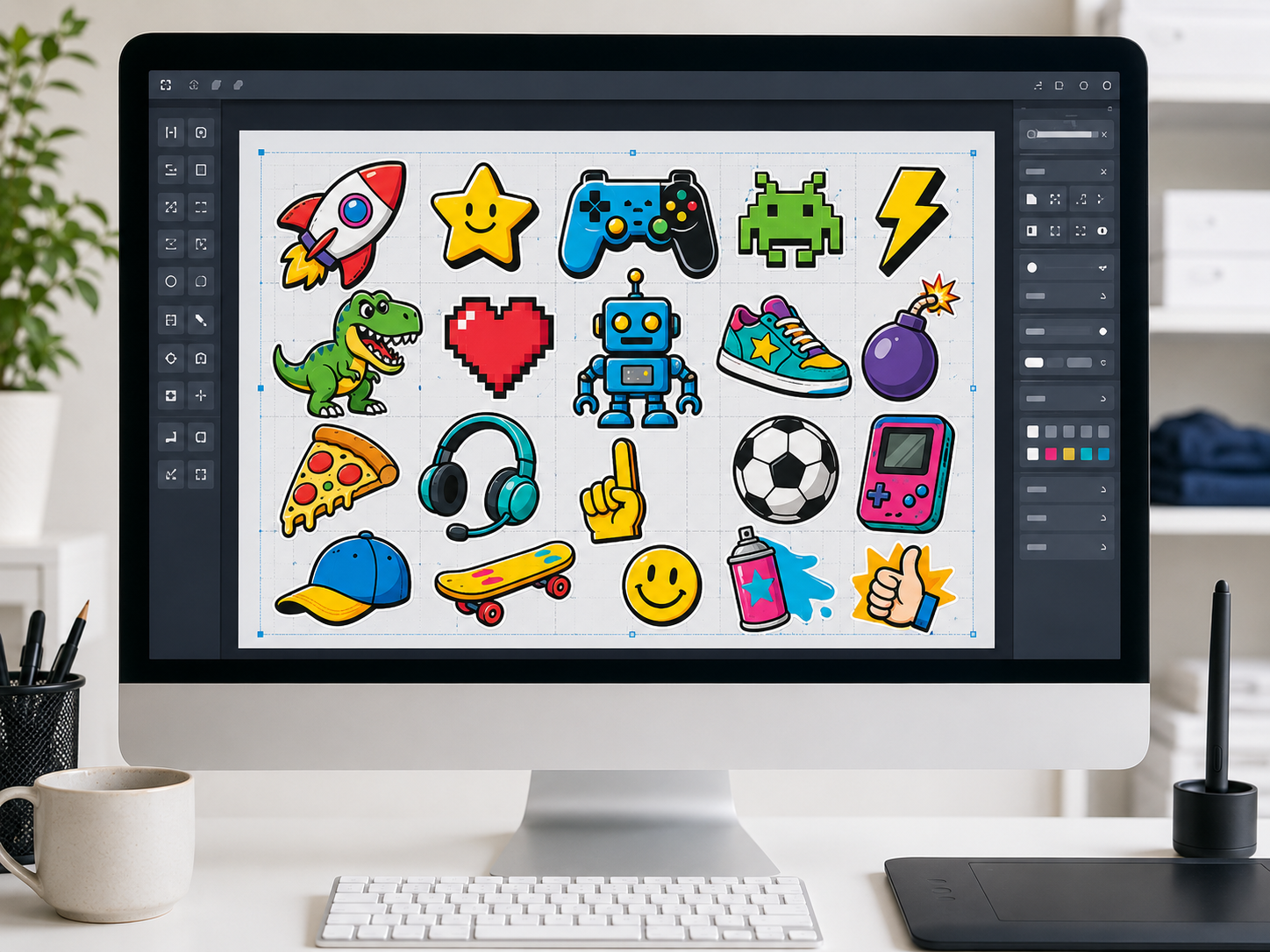
Use DTF Transfers By Size when you know the transfer size, artwork, and quantity you need.

This route is built for single-design orders, repeat graphics, placement-specific prints, test runs, short runs, and reorderable artwork.

It is the direct path when you do not need to manage a full gang sheet layout before checkout.

  • Single designs
  • Repeat artwork
  • Placement prints
  • Short runs
Order DTF Transfers By Size
DTF Transfers By Size

Gang Sheet Builder

Use one sheet when several graphics need to share the same print area.

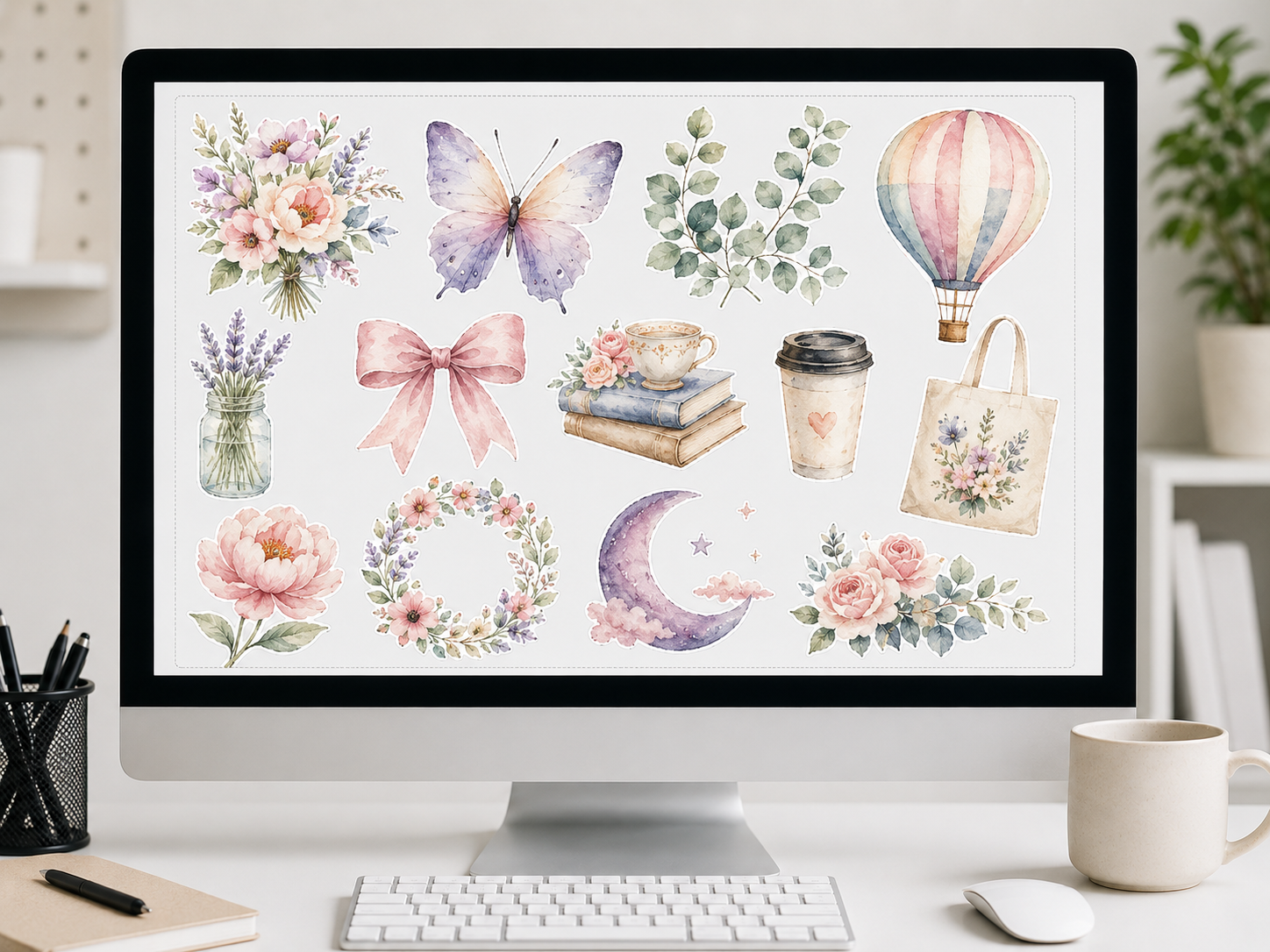
Use the Gang Sheet Builder when several graphics need to fit on one sheet.

This route gives you control over how logos, names, numbers, chest prints, sleeve prints, back prints, and mixed-size designs share the available print area.

The builder fits buyers who want to organize multiple designs before checkout instead of uploading one finished sheet.

  • Names + numbers
  • Mixed placements
  • Layout control
  • One-sheet planning
Build Your Gang Sheet
Gang Sheet Builder

Upload Your Gang Sheet

Send the finished sheet directly when the layout is already built.

Upload Your Gang Sheet when your sheet is already built. This route is for buyers who have arranged their artwork at the intended sheet size and want to submit that finished file.

Before uploading, check that the sheet is sized correctly, arranged the way you want it printed, and ready for production.

  • Finished file
  • Final layout ready
  • Direct submission
Upload Your Gang Sheet

Upload Your Images

Use separate artwork files when the design files are ready but the sheet is not.

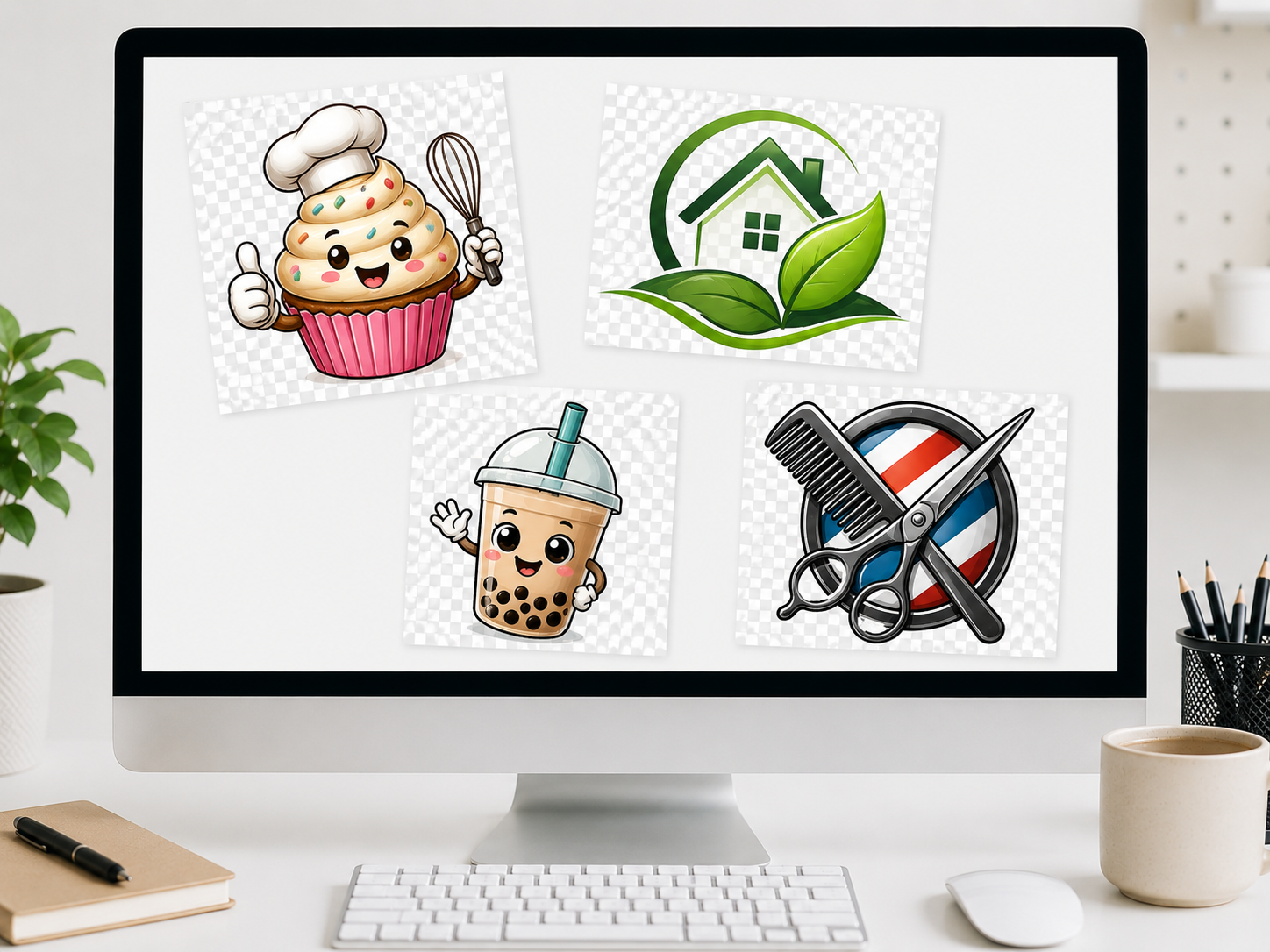
Upload Your Images when you have individual artwork files but not a finished gang sheet. This route fits buyers sending separate logos, graphics, or design files that still need the right ordering path.

Use this option when your files are ready to submit, but you have not arranged them into one sheet.

  • Separate files
  • Logos + graphics
  • No finished sheet yet
Upload Your Images
Upload Your Images

Built for Real DTF Ordering Workflows

Custom DTF ordering changes with the buyer, the file, and the job.

A brand testing a new design does not need the same route as a print shop combining client graphics, a reseller building repeat orders, or a school ordering group apparel.

Raccoon Print keeps the DTF routes connected so buyers can move from artwork to order without guessing where to start.

Apparel brand drops, restocks, and test designs

Print shop and reseller client orders

Small business merch and staff apparel

Team, school, church, and club orders

Event shirts and limited-run designs

Local pickup orders in Spring, Texas

Built for Real DTF Ordering Workflows

Quality, Timing, and File Support

Good DTF ordering starts with the right file and the right route.

Final size, transparent backgrounds, image quality, and sheet layout all affect how smoothly an order can move forward.

If those details are not settled yet, review the artwork guidelines before uploading.

Raccoon Print is based in Spring, Texas, supports customers across the Houston area, and fulfills ecommerce orders nationwide across the U.S.

24-hour turnaround is available for eligible order types. Timing depends on artwork readiness, order type, and current production volume.

No minimums make it easier to test designs, place short runs, restock quickly, and order only what you need.
Free shipping is available on orders over $75.
Local pickup is available in Spring, Texas.
Support is available if you are not sure which route fits your file.

Need Help With Artwork Before Ordering?

Check the support resources before you upload.

If your artwork is not ready, the support resources can help with sizing, transparent backgrounds, image quality, gang sheet setup, pressing instructions, and the choice between uploading a finished sheet or separate images.

Frequently Asked Questions

Quick answers for route selection, uploads, and turnaround.

These cover the most common questions buyers ask before placing a custom DTF order.

What is the difference between the DTF routes?

DTF Transfers By Size is for direct size-based orders. The Gang Sheet Builder is for arranging multiple graphics before checkout.

Upload Your Gang Sheet is for finished sheet files. Upload Your Images is for separate artwork files that have not been arranged into a sheet.

Which route fits a finished gang sheet?

Use Upload Your Gang Sheet when your file is already arranged as a finished sheet.

Which route fits separate image files?

Use Upload Your Images when you have individual artwork files but not a finished gang sheet.

Use the Gang Sheet Builder when you want to control the sheet layout yourself before checkout.

Can I order custom DTF transfers without minimums?

Yes. Raccoon Print supports no-minimum ordering, so you can test designs, place short runs, order for one event, or restock only what you need.

Can I get help before placing an order?

Yes. If you are not sure which route fits your artwork, file state, or order type, contact Raccoon Print before uploading.

How does 24-hour turnaround work?

24-hour turnaround is available for eligible order types. Timing depends on artwork readiness, order type, and current production volume.

Do you offer local pickup?

Yes. Local pickup is available in Spring, Texas.

Do you ship outside Texas?

Yes. Raccoon Print ships nationwide across the U.S.

Start With the Right DTF Route

Pick the path that matches how ready your file is.

If you know the size you need, order DTF transfers by size. If you need layout control, build your gang sheet. If your sheet is already finished, upload it directly. If you have separate image files, upload your images.